Community Nodes
Dieser Inhalt ist noch nicht in deiner Sprache verfügbar.
Node packs add new nodes to the Workflow Editor. The packs below are written and maintained by members of the community.
Install a node pack
Section titled “Install a node pack”-
Open Nodes in the Launchpad, or Nodes Manager in the app menu. When multi-user mode is on, only administrators see it.
-
Click Add Nodes.
-
Paste the pack’s Git URL, which Copy Git URL on a card below puts on your clipboard, and click Install.
InvokeAI clones the repository into your nodes directory and loads its nodes without a restart. Workflows the pack ships are added to your workflow library.
-
If a Dependencies required notice appears, install the Python packages the pack’s README lists into InvokeAI’s environment, then restart InvokeAI.
-
Open a terminal in the
nodesfolder of your InvokeAI root directory. The Add Nodes view of the Nodes manager shows its path under Nodes Directory; thecustom_nodes_dirsetting changes it. -
Clone the pack:
Terminal window git clone https://github.com/JPPhoto/cinematic-effects-pack.gitTo update it, run
git pullin the pack’s folder and restart InvokeAI. -
Click Reload in the Nodes manager, or restart InvokeAI.
You can also download a pack’s source as a ZIP and extract it into its own folder in nodes. InvokeAI loads a folder
only when it has an __init__.py at its top level.
The Custom Node Manager page covers browsing, reloading and uninstalling
packs. A workflow that uses community nodes loads like any other: import its .json file into the workflow library.
Browse node packs
Section titled “Browse node packs”47 node packs
Adapters Linked Nodes
Chain ControlNet, IP-Adapter and T2I-Adapter inputs without a Collect node.
Details: Adapters Linked Nodes
The adapters link to each other instead of going through a
collectnode, so they can be used inside aniteratenode without collecting on every iteration. The nodes inherit from the core nodes, so changes to the core nodes carry over to them.Git URL:https://github.com/skunkworxdark/adapters-linked-nodes.gitNodes
- ControlNet-Linked: Collects ControlNet info to pass to other nodes.
- IP-Adapter-Linked: Collects IP-Adapter info to pass to other nodes.
- T2I-Adapter-Linked: Collects T2I-Adapter info to pass to other nodes.
AutoExpress
Build one prompt per facial expression for a character, then inpaint a full expression set from one image.
Details: AutoExpress
Builds up to 28 prompts, for expressions such as joy, anger and surprise, in the prompt style of the model family (Danbooru, e621, Pony, Illustrious, SDXL or natural language), plus the matching negative prompt. Iterate over the prompts to inpaint the face once per expression.
Git URL:https://github.com/deepratna-awale/AutoExpress.gitThe pack needs Python packages that InvokeAI doesn't install. Install them as its README describes, then restart InvokeAI.
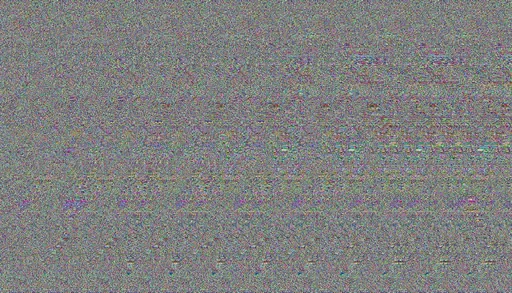
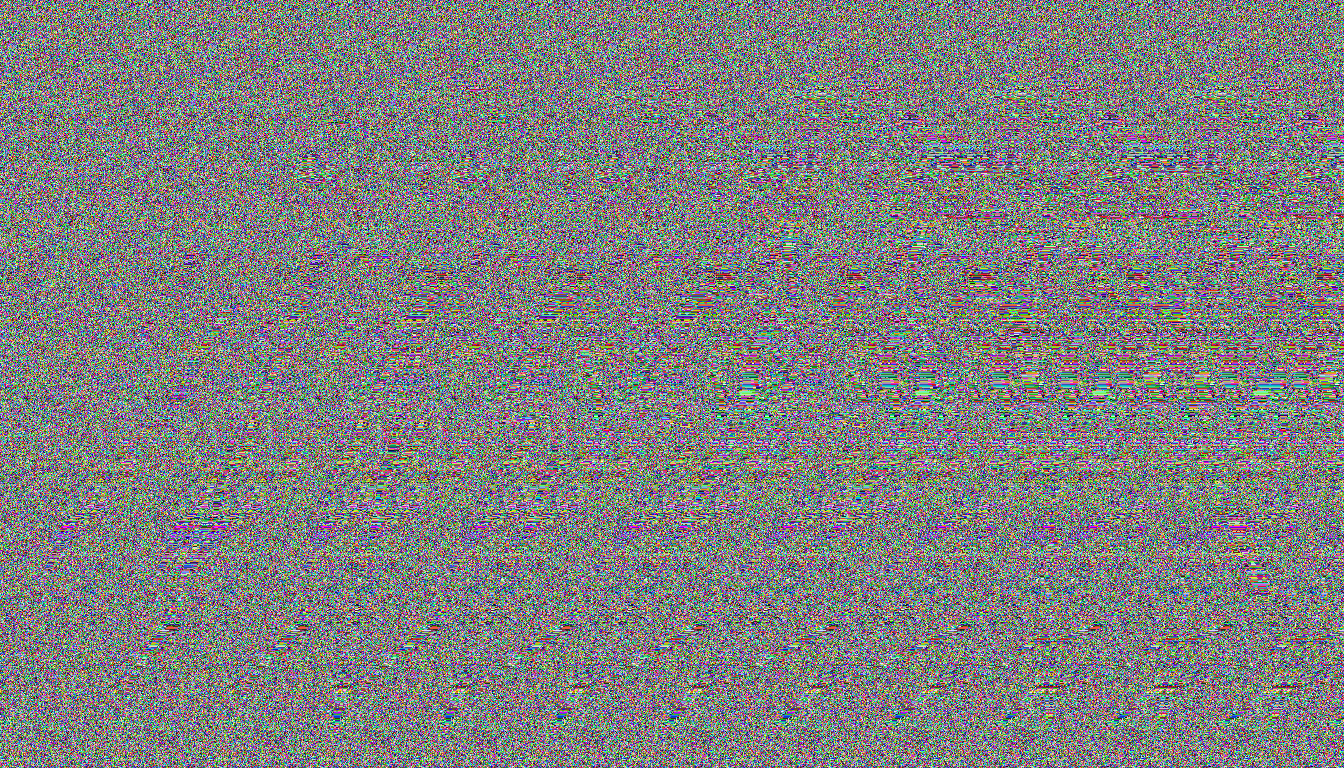
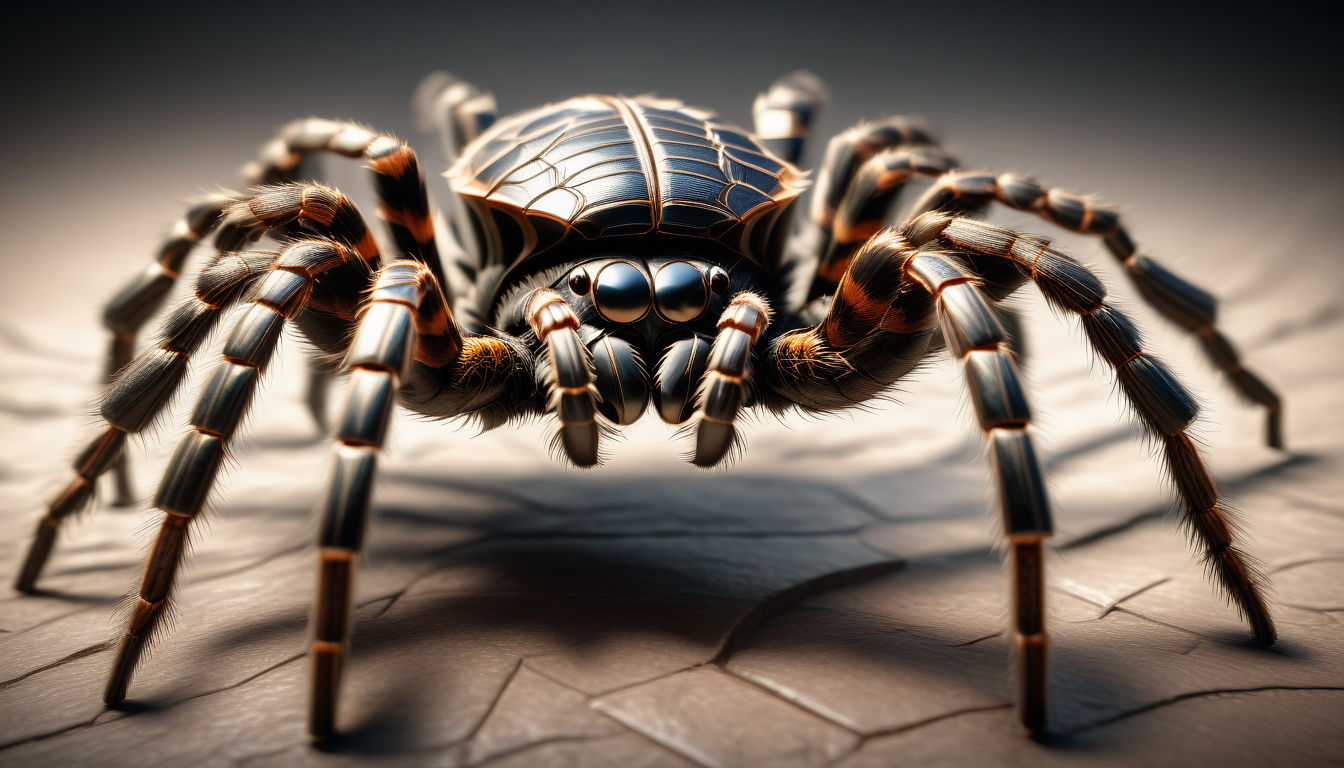
Autostereogram Nodes
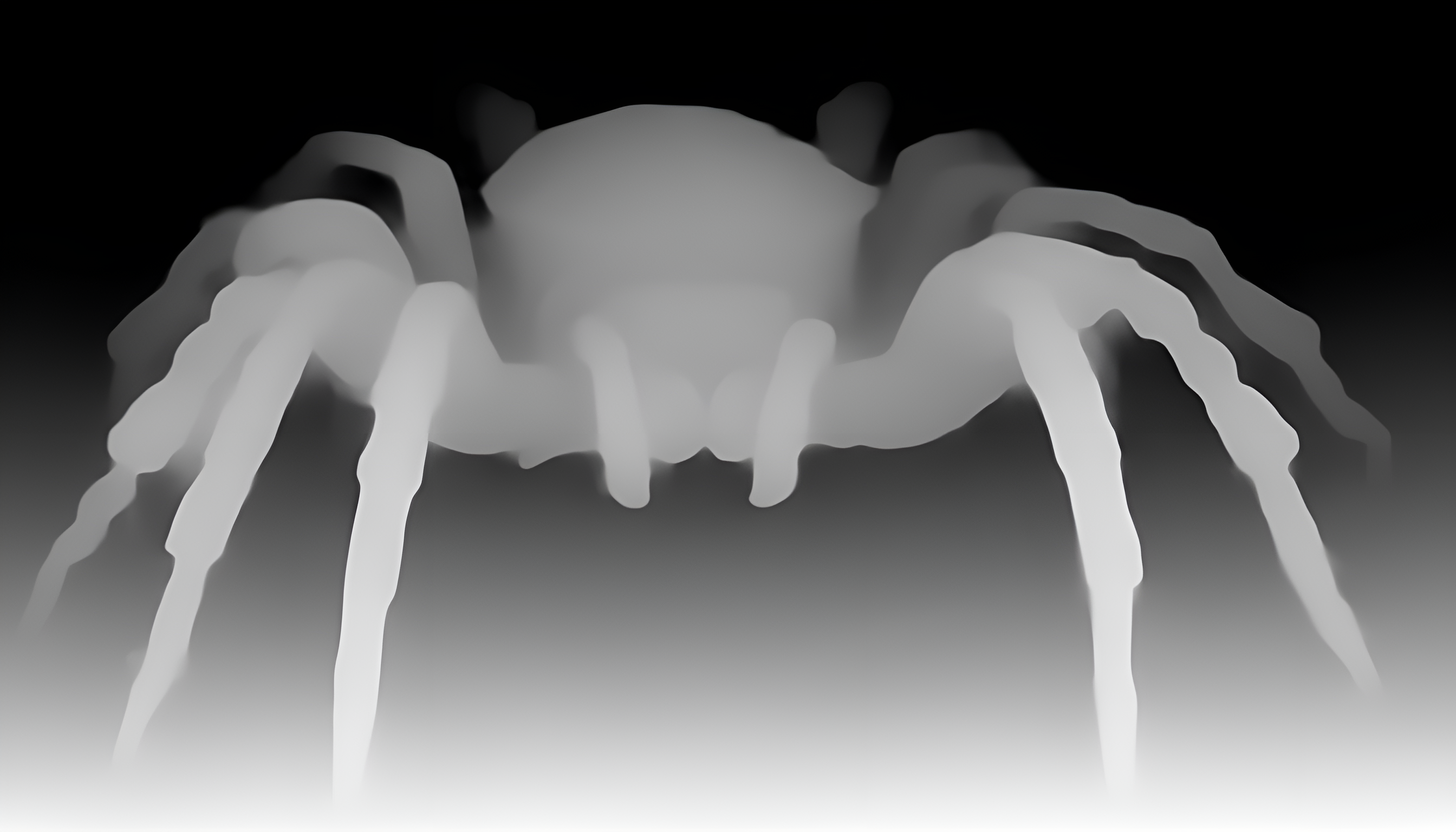
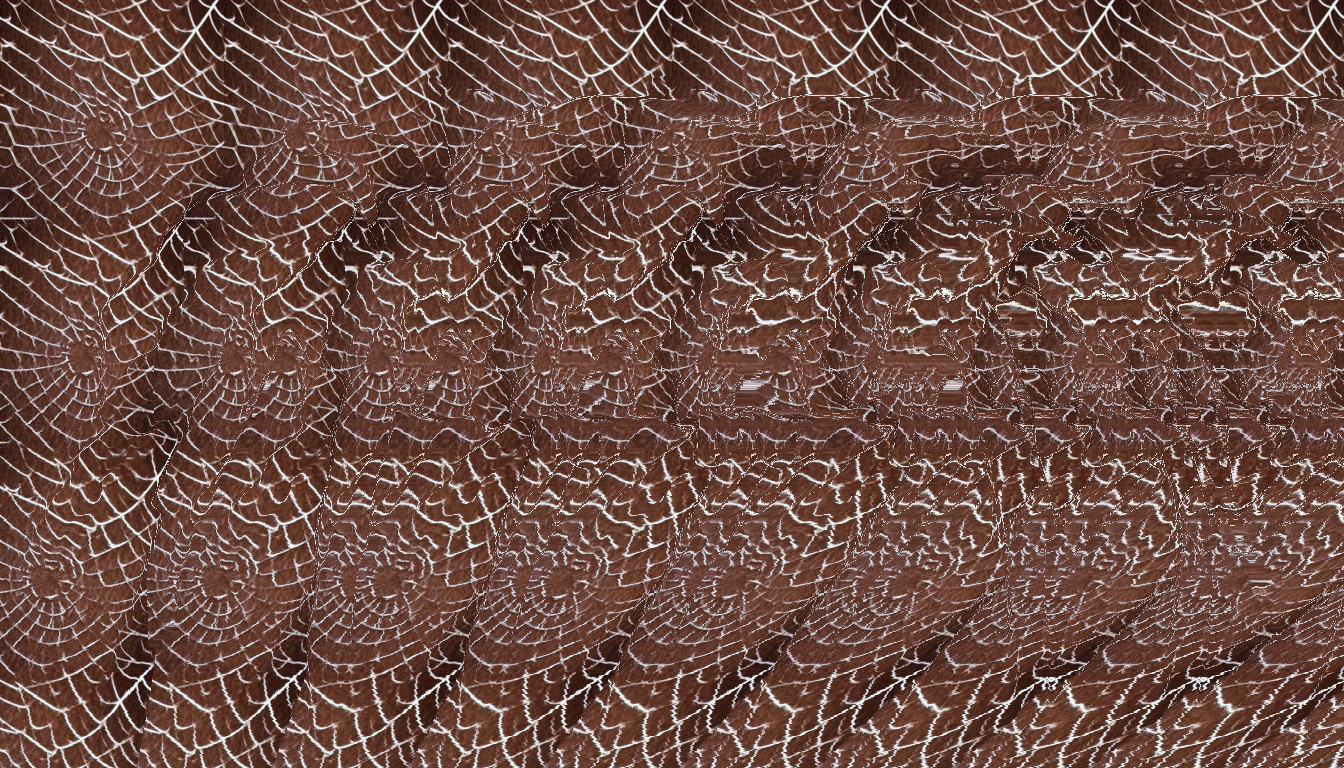
Generate autostereogram images from a depth map.
Details: Autostereogram Nodes
In the author's words, not a very practically useful node, but more a 90s nostalgic indulgence.
Git URL:https://github.com/skunkworxdark/autostereogram_nodes.gitExamples
![A random-dot autostereogram hiding a spider]()
Autostereogram with a random-dot pattern ![A photo of a spider]()
Source image ![Grayscale depth map of the spider]()
Depth map ![A patterned autostereogram hiding a spider]()
Autostereogram with a pattern image
Average Images
Average a collection of images of the same size into one image.
Details: Average Images
Converts every image to RGB first.
Git URL:https://github.com/JPPhoto/average-images-node.git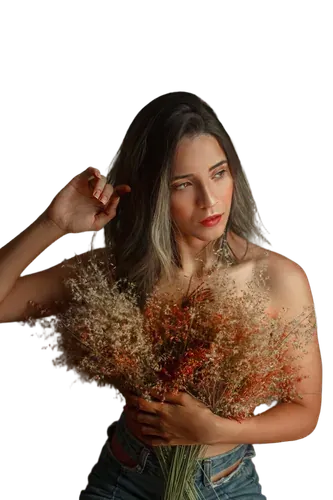
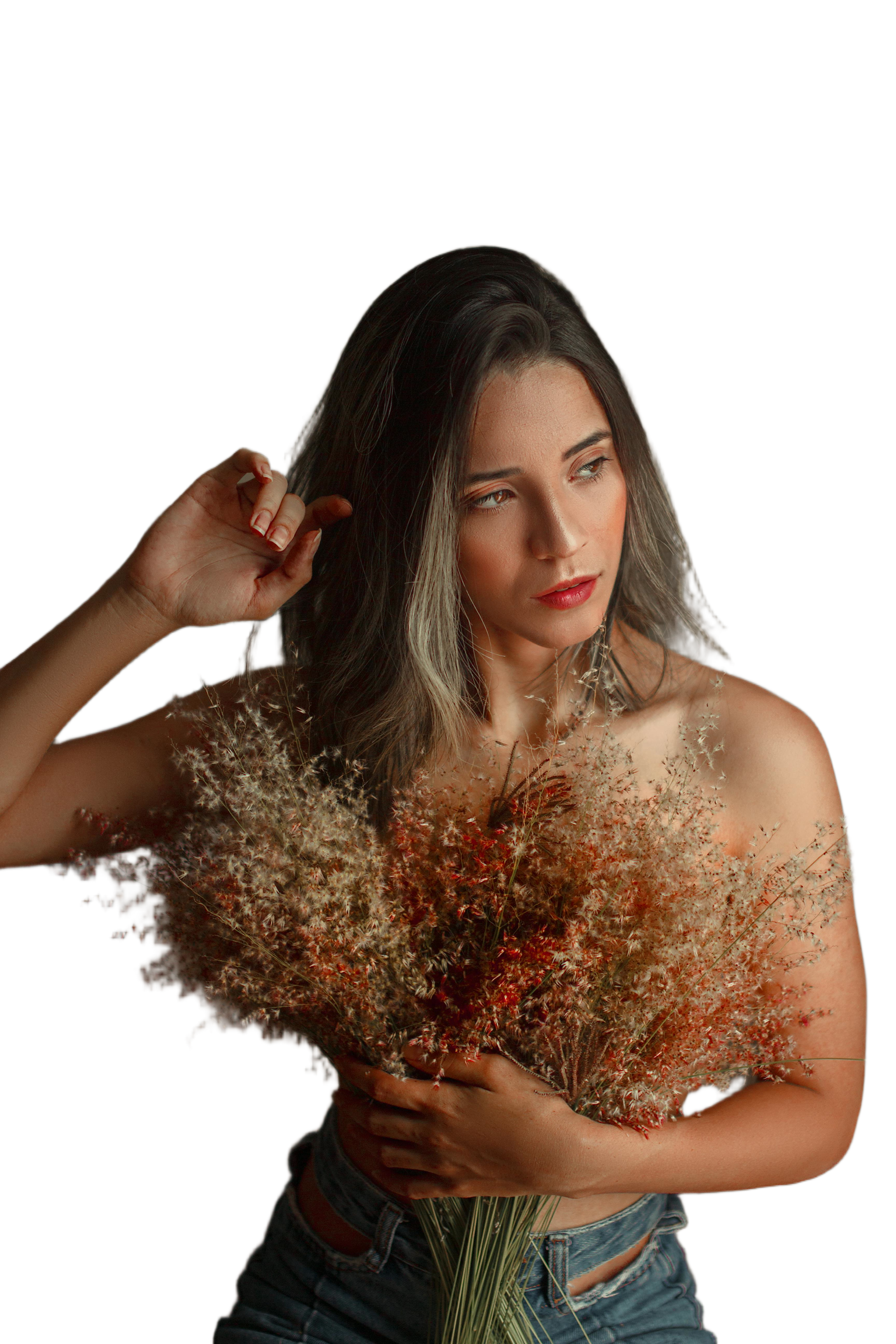
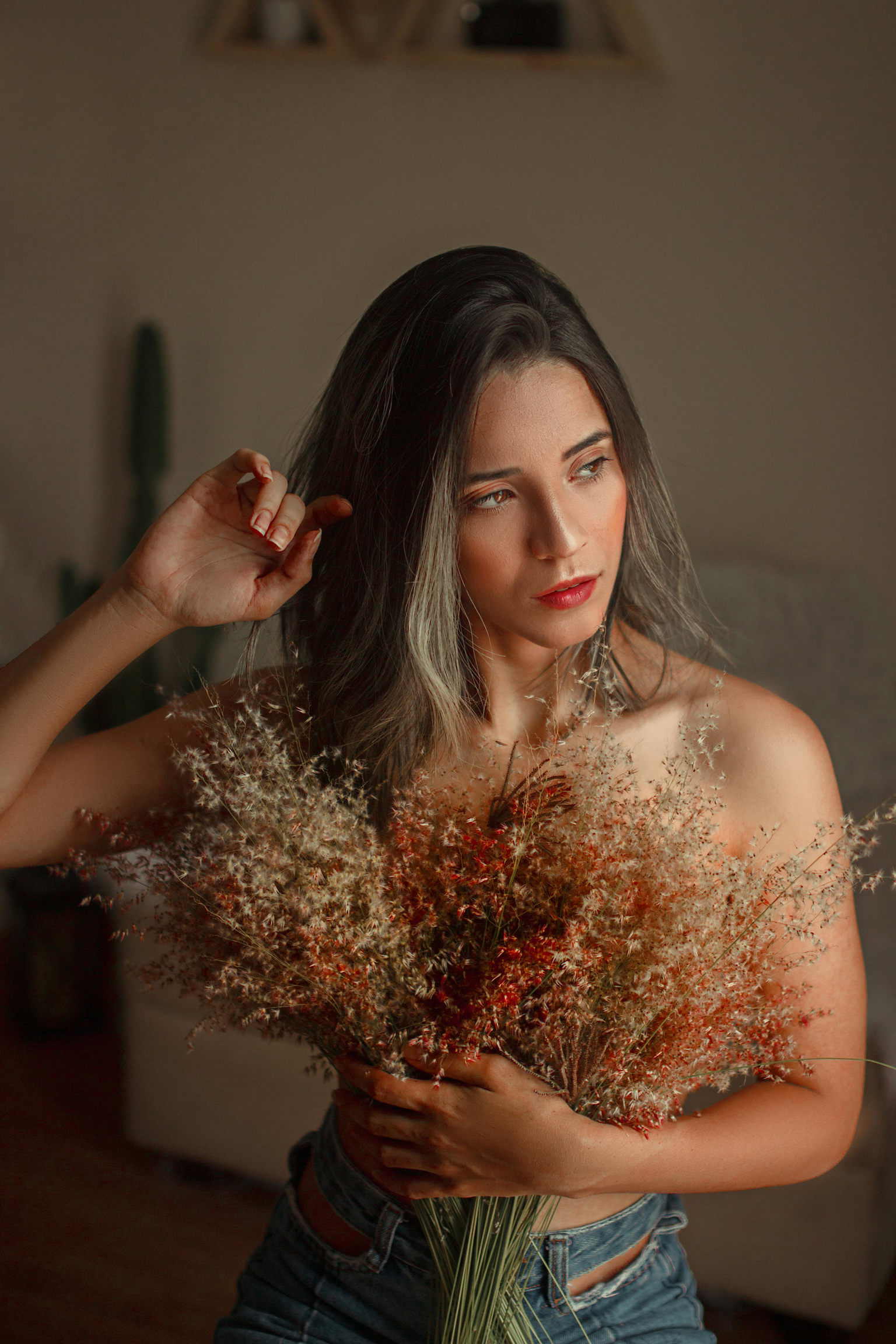
BiRefNet Background Removal
Remove image backgrounds with the BiRefNet segmentation model.
Details: BiRefNet Background Removal
BiRefNet (Bilateral Reference Network) is a high-quality segmentation model. The node supports several model variants: standard, high-resolution, matting, portrait and others specialized for different uses.
Git URL:https://github.com/veeliks/invoke_birefnet.gitThe repository is archived, so the pack gets no more updates.
The pack needs Python packages that InvokeAI doesn't install. Install them as its README describes, then restart InvokeAI.
Examples
![A subject cut out on a transparent background]()
After background removal ![The original photo with its background]()
Before background removal
BriaAI Remove Background
One-click background removal with BriaAI's RMBG 1.4 model.
Details: BriaAI Remove Background
Git URL:https://github.com/blessedcoolant/invoke_bria_rmbg.gitExamples
Cinematic Effects Pack
Anamorphic lens effects, depth-based bokeh, tone curves, color cast correction and film grain.
Details: Cinematic Effects Pack
Replaces Anamorphic Tools (
anamorphic-tools), Curves (curves-node), Film Grain (film-grain-node) and Color Correction Nodes (color-correction-nodes). Remove the old packs from yournodesfolder before installing this pack; loading them together may register duplicate invocation IDs.Git URL:https://github.com/JPPhoto/cinematic-effects-pack.gitLinks
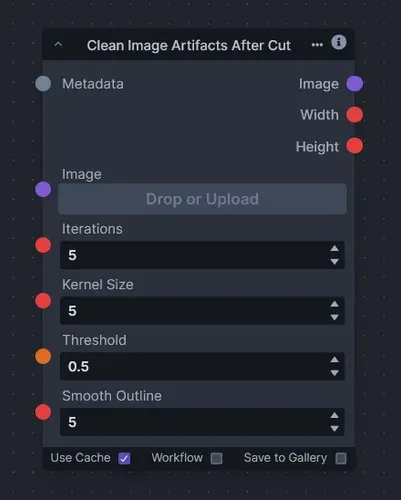
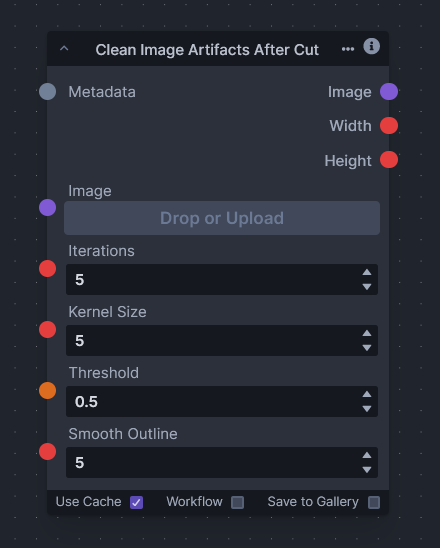
Clean Image Artifacts After Cut
Remove the artifacts left after an image is cut from its background.
Details: Clean Image Artifacts After Cut
Git URL:https://github.com/VeyDlin/clean-artifact-after-cut-node.gitExamples
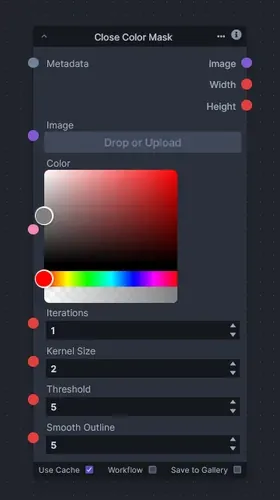
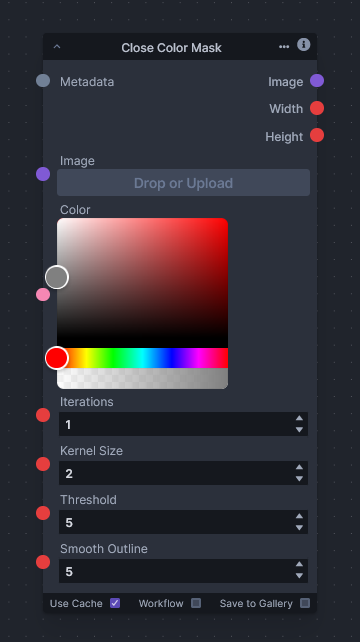
Close Color Mask
Mask the parts of an image close to a chosen color, for color-based selections.
Details: Close Color Mask
Git URL:https://github.com/VeyDlin/close-color-mask-node.gitExamples
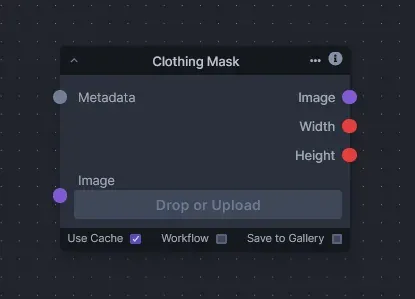
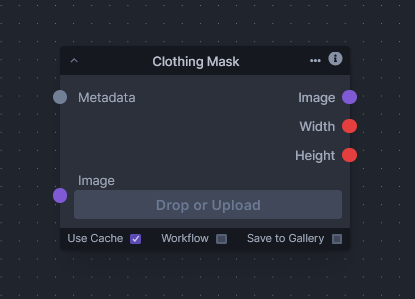
Clothing Mask
Mask clothing with a U2NET network trained to segment clothing items.
Details: Clothing Mask
Git URL:https://github.com/VeyDlin/clothing-mask-node.gitExamples
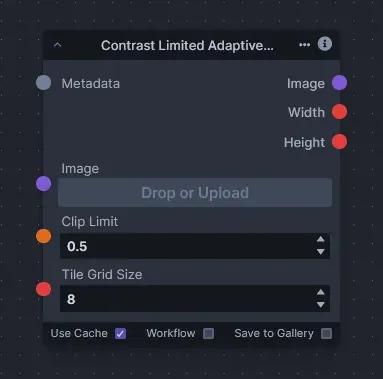
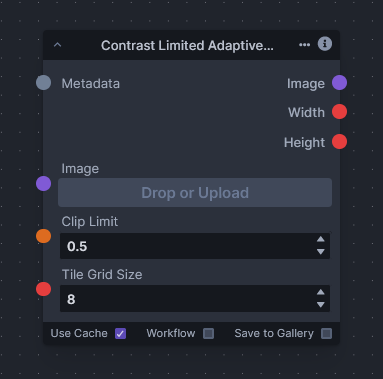
Contrast Limited Adaptive Histogram Equalization
Enhance local contrast with adaptive histogram equalization and contrast limiting (CLAHE).
Details: Contrast Limited Adaptive Histogram Equalization
Git URL:https://github.com/VeyDlin/clahe-node.gitExamples
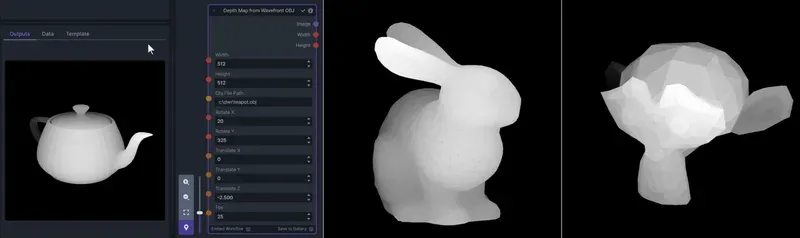
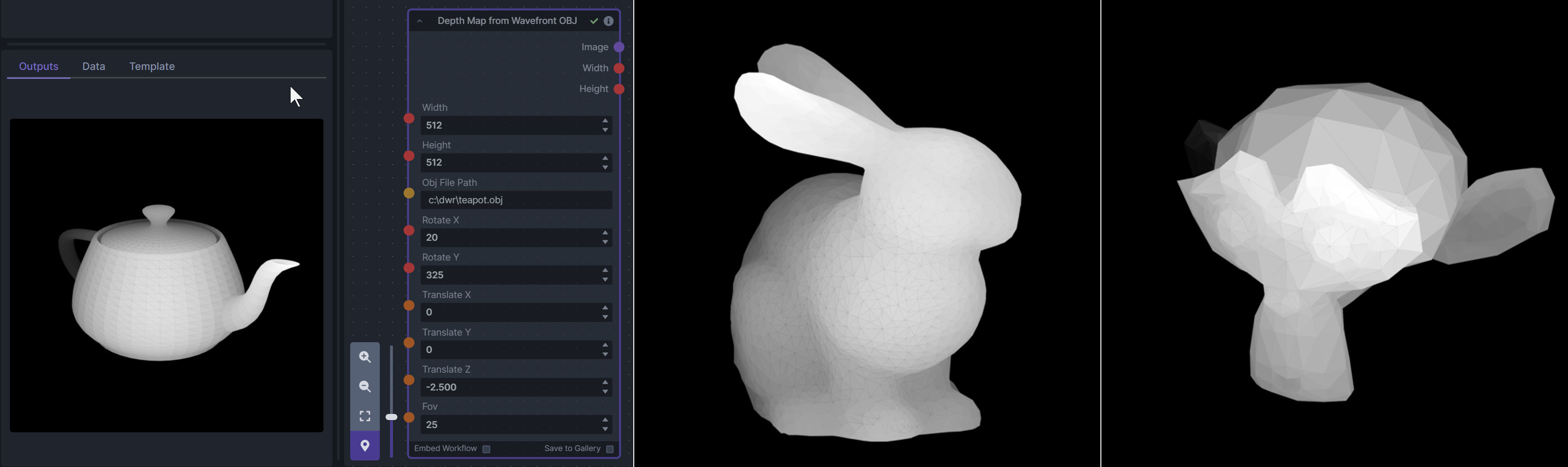
Depth Map from Wavefront OBJ
Render depth maps from triangulated Wavefront .obj files.
Details: Depth Map from Wavefront OBJ
A simple 3D renderer that uses numpy and matplotlib to compute and color the scene, with parameters for the field of view, camera position and model orientation. An .obj must use triangulated meshes, so enable that option when exporting from a 3D modeling program. Each triangle gets one solid color from its average depth, so large triangles cause anomalies. In Blender, the Remesh modifier can subdivide a mesh into small pieces that work well within these limits.
Git URL:https://github.com/dwringer/depth-from-obj-node.gitExamples
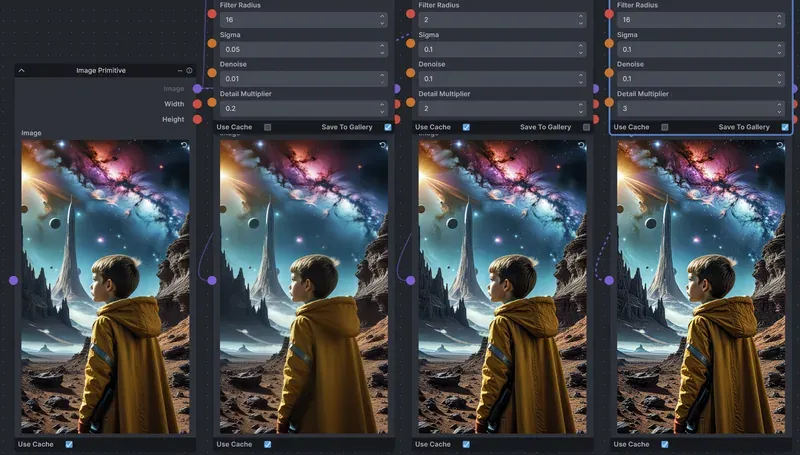
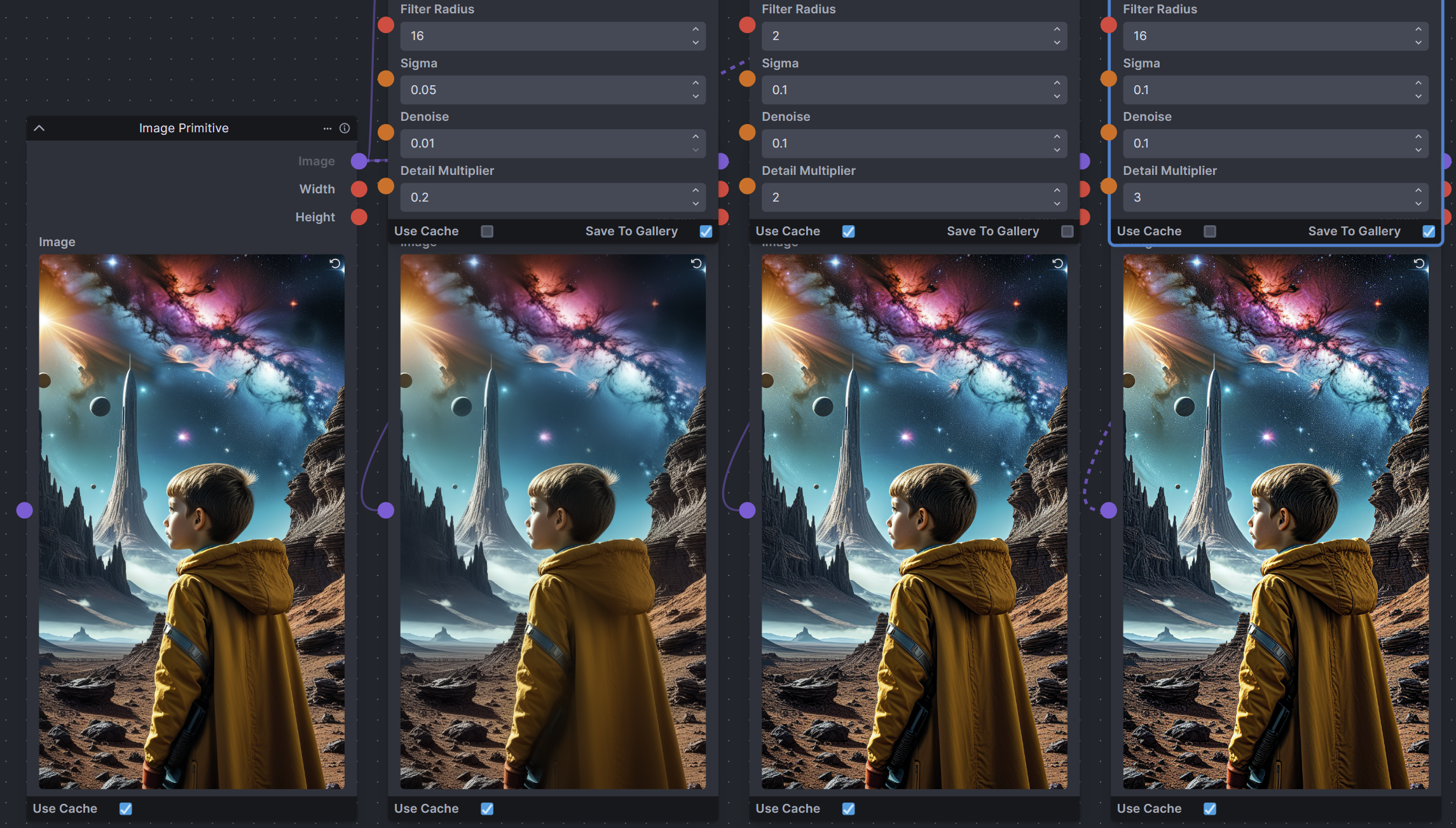
Enhance Detail
Increase or decrease the detail in an image with a guided filter.
Details: Enhance Detail
Uses a guided filter, as opposed to the Gaussian blur most sharpening filters use. Based on the Enhance Detail node of ComfyUI-Image-Filters.
Git URL:https://github.com/skunkworxdark/enhance-detail-node.gitThe pack needs Python packages that InvokeAI doesn't install. Install them as its README describes, then restart InvokeAI.
Links
Examples
Flip Pose
Flip an OpenPose image horizontally, recoloring it so it faces the right way.
Details: Flip Pose
Does not work with OpenPose hands.
Git URL:https://github.com/JPPhoto/flip-pose-node.gitFlux Ideal Size
The ideal size for the first stage of a FLUX generation.
Details: Flux Ideal Size
Generating at the right size helps limit duplication and odd subject placement.
Git URL:https://github.com/JPPhoto/flux-ideal-size.git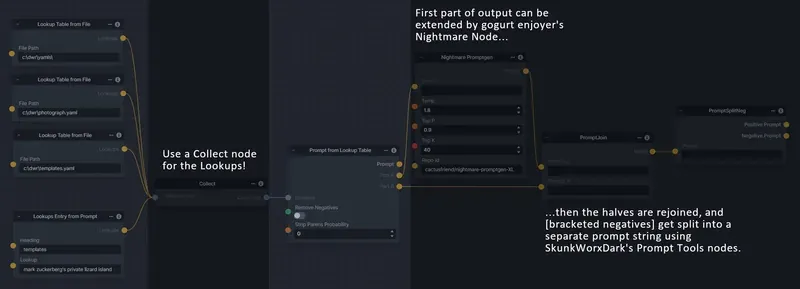
Generative Grammar-Based Prompt Nodes
Generate prompts from simple grammar rules that you define in YAML files.
Details: Generative Grammar-Based Prompt Nodes
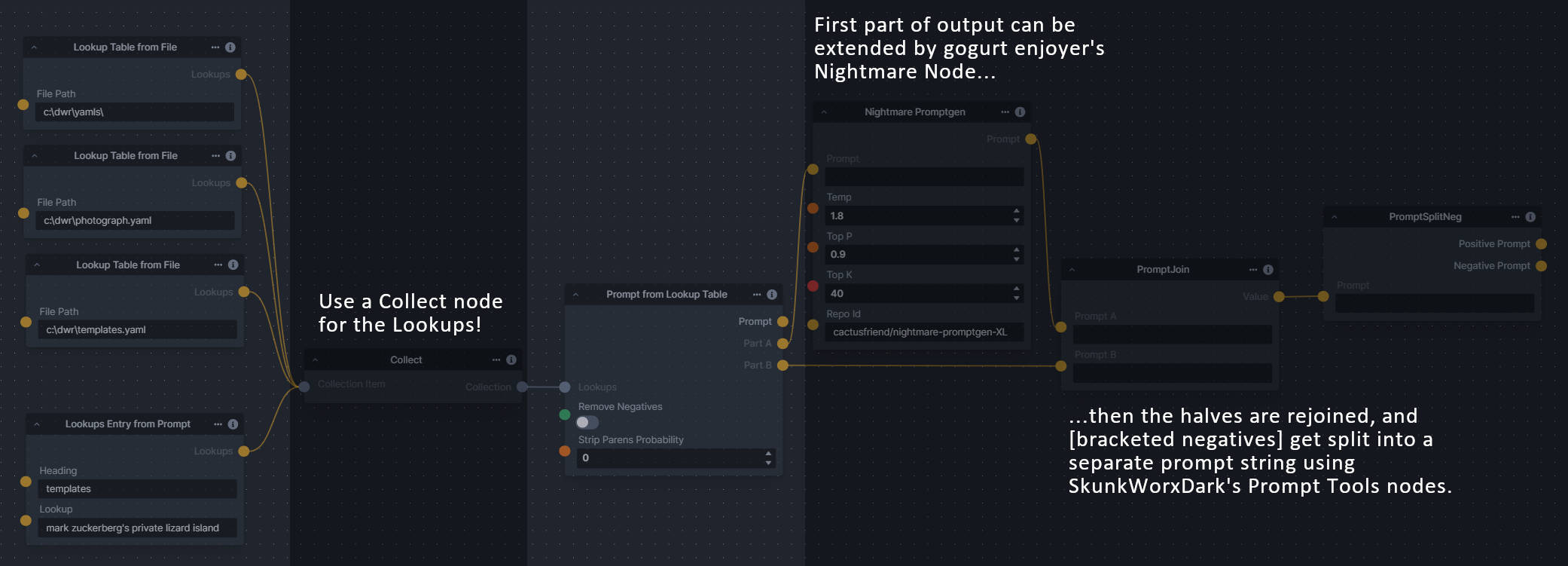
The prompts are made by recursively expanding a template string, replacing nonterminal "parts of speech" until none remain. The repository includes example rule files.
Git URL:https://github.com/dwringer/generative-grammar-prompt-nodes.gitNodes
- Lookup Table from File: Loads the "prompt" section of a YAML file, or of a whole folder of YAML files, into a JSON-ified dictionary (Lookups output).
- Lookups Entry from Prompt: Places a single entry in a new Lookups output under the specified heading.
- Prompt from Lookup Table: Uses a collection of Lookups as grammar rules from which to randomly generate prompts.
Examples
GPT2RandomPromptMaker
Generate random prompts with the GPT-2 language model from a seed and a context.
Details: GPT2RandomPromptMaker
Example output: "An enchanted weapon will be usable by any character regardless of their alignment."
Git URL:https://github.com/mickr777/GPT2RandomPromptMaker.git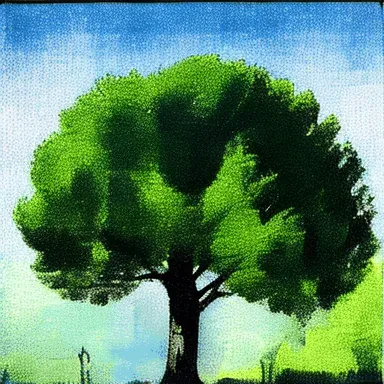
Grid to Gif
Turn a grid image into an image collection, and an image collection into a GIF.
Details: Grid to Gif
Not a pack folder, so the Nodes manager can't install it. InvokeAI loads a folder in
nodesonly when it has an__init__.py: follow the repository's instructions.Links
Examples
![An animated GIF made from the frames of a grid]()
Output GIF ![A grid of image frames]()
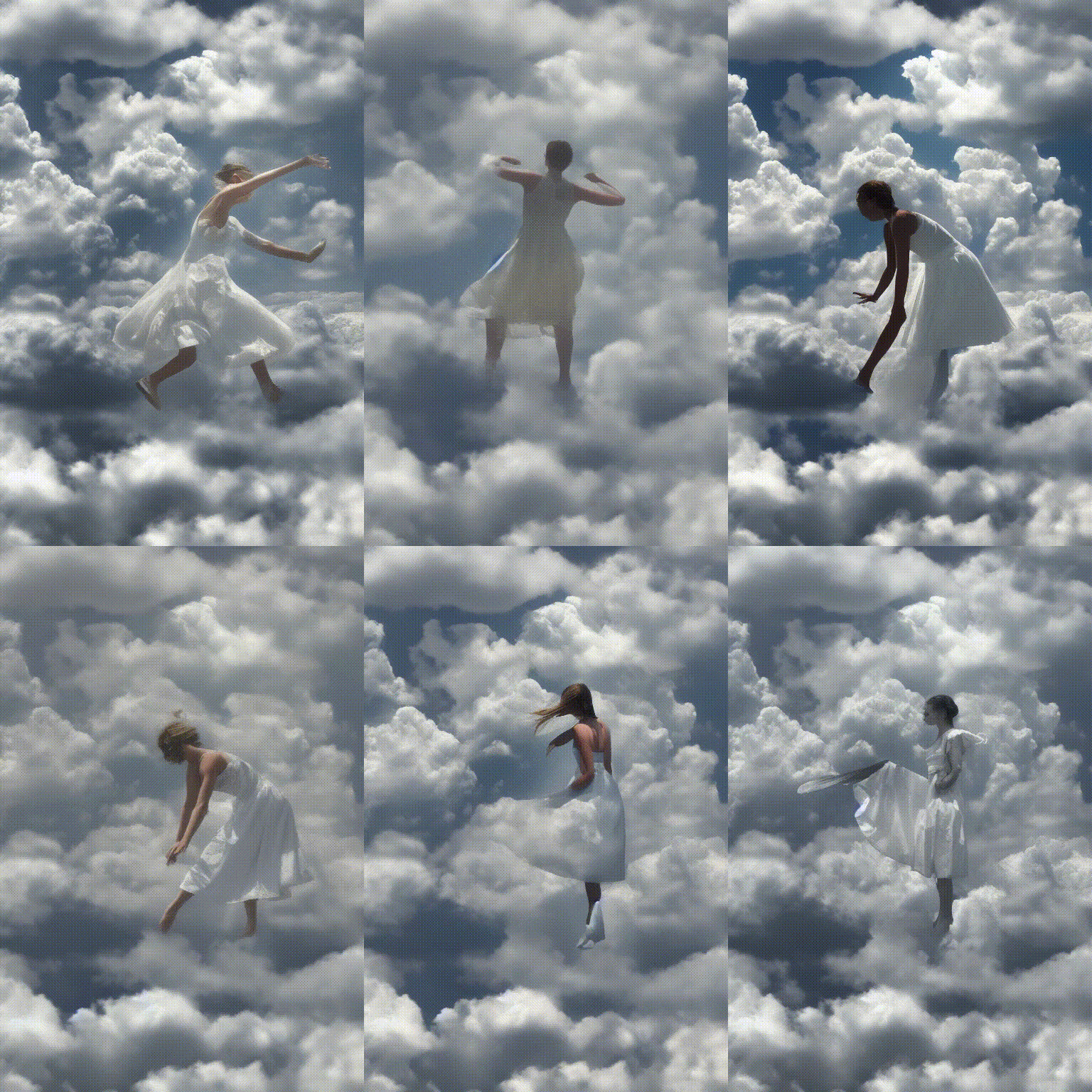
Input grid

Halftone
Grayscale and CMYK halftoning, for a magazine or newspaper print look.
Details: Halftone
Both nodes let you set the angles and the halftone dot spacing.
Git URL:https://github.com/JPPhoto/halftone-node.gitNodes
- Halftone: Converts the image to grayscale, then halftones it.
- CMYK Halftone: Converts the image to CMYK and halftones each channel.
Examples
CMYK Halftone output Input Halftone output
Hand Refiner with MeshGraphormer
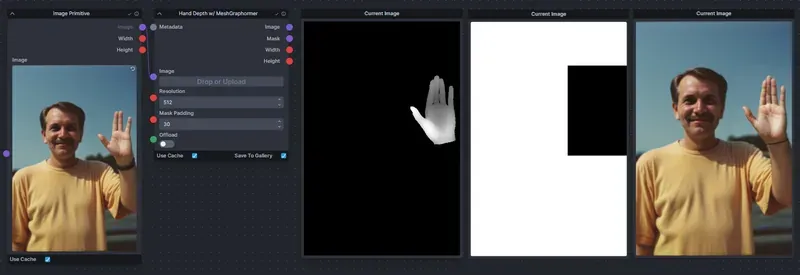
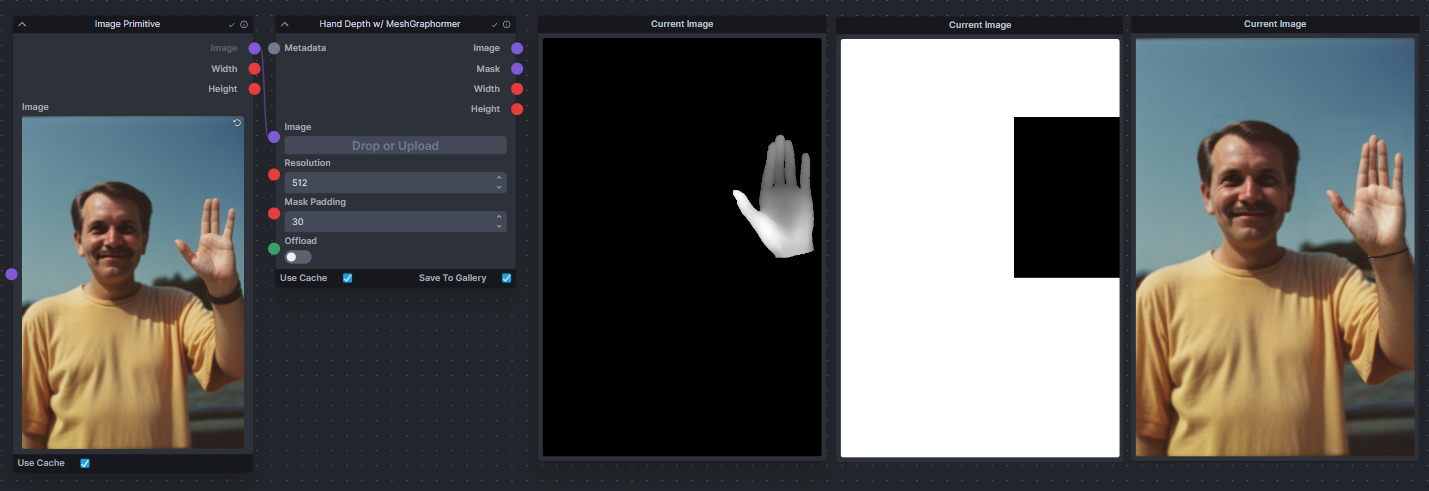
Generate a fixed hand depth map and a hand mask, to repair hands with ControlNet.
Details: Hand Refiner with MeshGraphormer
Takes your image and generates a corrected depth map for the hands along with a mask of the hand region, which you can use with ControlNet to fix badly generated hands.
Git URL:https://github.com/blessedcoolant/invoke_meshgraphormer.gitThe pack needs Python packages that InvokeAI doesn't install. Install them as its README describes, then restart InvokeAI.
Examples
Image and Mask Composition Pack
Compose images and masks, with Clipseg text masks, color separations, noise and wrapping offsets.
Details: Image and Mask Composition Pack
The image and latent offsets wrap around, so they can be used with seamless tiling to progressively generate centered on different parts of a seamless image.
Git URL:https://github.com/dwringer/composition-nodes.gitNodes
- 2D Noise Image: Creates an image of 2D noise approximating the desired characteristics.
- Add Noise (Flux): Adds noise to a FLUX latents tensor using the appropriate ratio given the denoising schedule timestep.
- Clipseg Mask Hierarchy: Creates a segmentation hierarchy of mutually exclusive masks from Clipseg text prompts.
- CMYK Color Separation: Gets color images from a base color and two others that subtractively mix to obtain it.
- CMYK Merge: Merges subtractive color channels (CMYK and alpha).
- CMYK Split: Splits an image into subtractive color channels (CMYK and alpha).
- Flatten Histogram (Grayscale): Scales the values of an L-mode image to the full range 0–255 in equal proportions.
- Frequency Spectrum Match Latents: Generates latent noise with the frequency spectrum of target latents, masked by a mask image.
- Image Quantize (Kohonen map): Quantizes the pixel values of an image with a Kohonen self-organizing map.
- Image Search to Mask (Clipseg): Generates an image mask from an image prompt with the Clipseg model.
- Latent Quantize (Kohonen map): Quantizes the values of a latents tensor with a self-organizing map.
- Noise (Spectral characteristics): Creates a latents tensor of 2D noise channels approximating the desired characteristics.
- Offset Image: Offsets an image by a percentage or pixel amount, wrapping it around.
- Offset Latents: Offsets a latents tensor by a percentage of its height and width, wrapping it around.
- RGB Merge: Merges RGB color channels and alpha.
- RGB Split: Splits an image into RGB color channels and alpha.
- Rotate/Flip Image: Rotates an image by an angle in degrees clockwise, or flips it.
- Shadows/Highlights/Midtones: Extracts shadows, midtones and highlights masks from an image.
- Text Mask: Renders a text mask in 2D from a given font.
- Text to Mask (Clipseg): Generates an image mask from a text prompt with the Clipseg model.
- Text to Mask Advanced (Clipseg): Generates image masks from several text prompts with the Clipseg model.
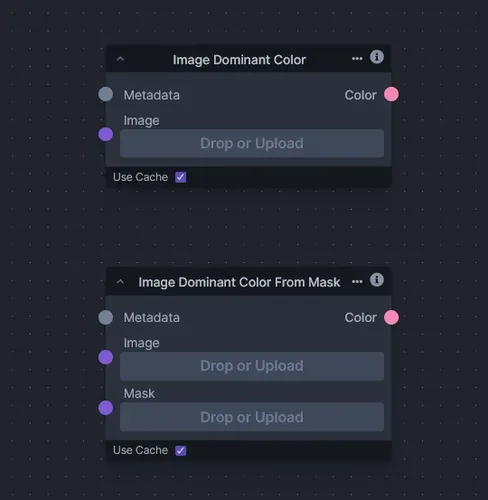
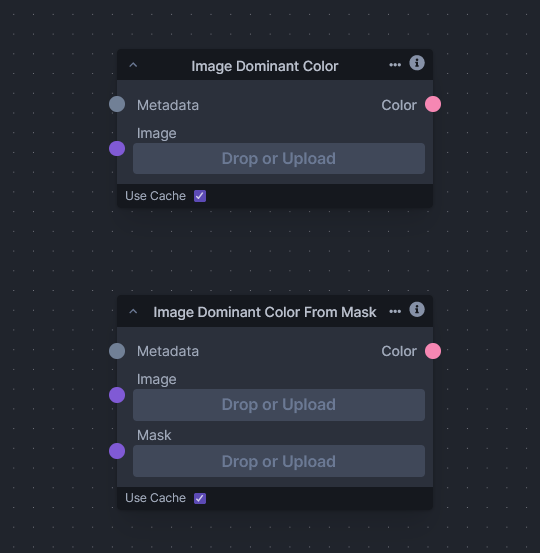
Image Dominant Color
Find the dominant color of an image with k-means clustering.
Details: Image Dominant Color
Git URL:https://github.com/VeyDlin/image-dominant-color-node.gitExamples
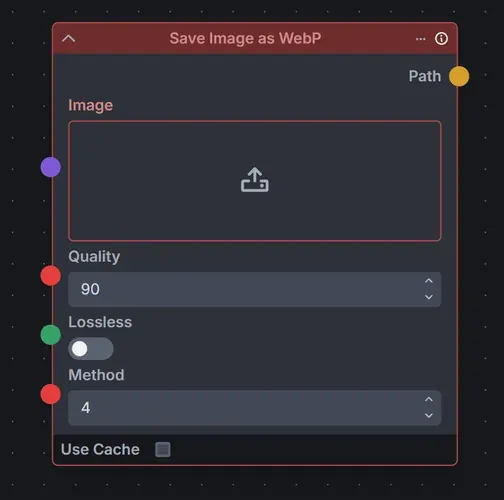
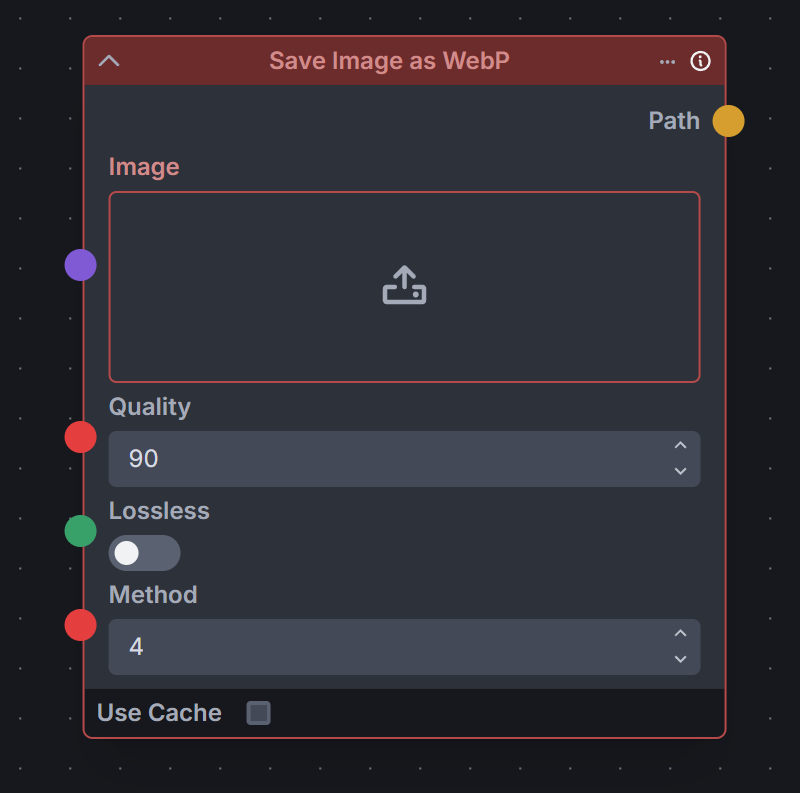
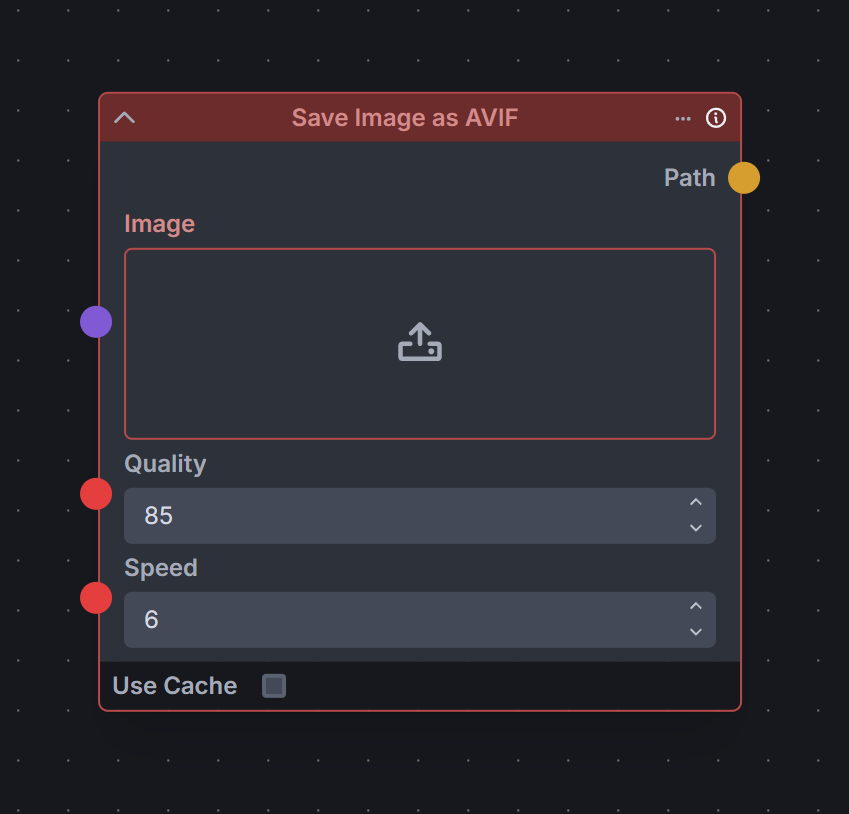
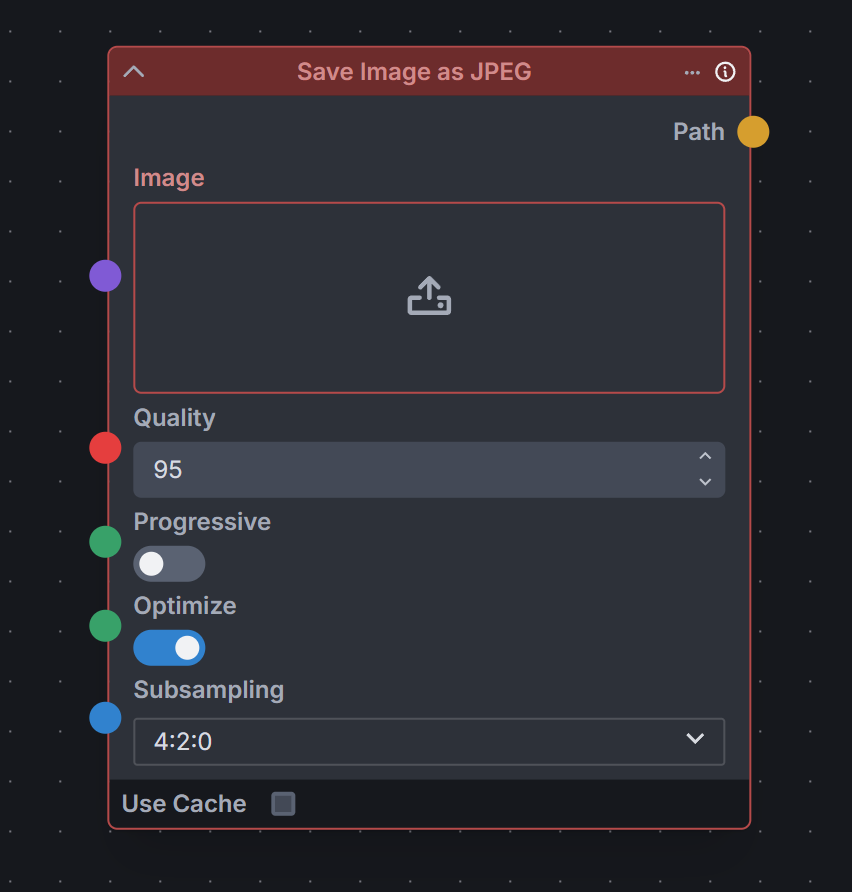
Image Export
Save images as AVIF, JPEG, PNG, TIFF or WebP with format-specific compression and quality options.
Details: Image Export
Git URL:https://github.com/veeliks/invoke_image_export.gitThe repository is archived, so the pack gets no more updates.
The pack needs Python packages that InvokeAI doesn't install. Install them as its README describes, then restart InvokeAI.
Nodes
- Save Image as AVIF
- Save Image as JPEG
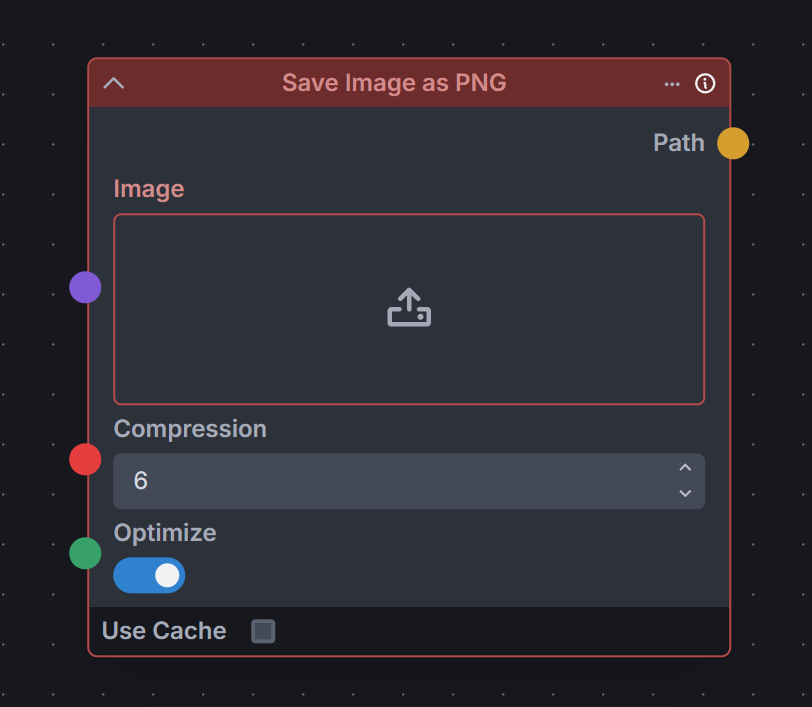
- Save Image as PNG
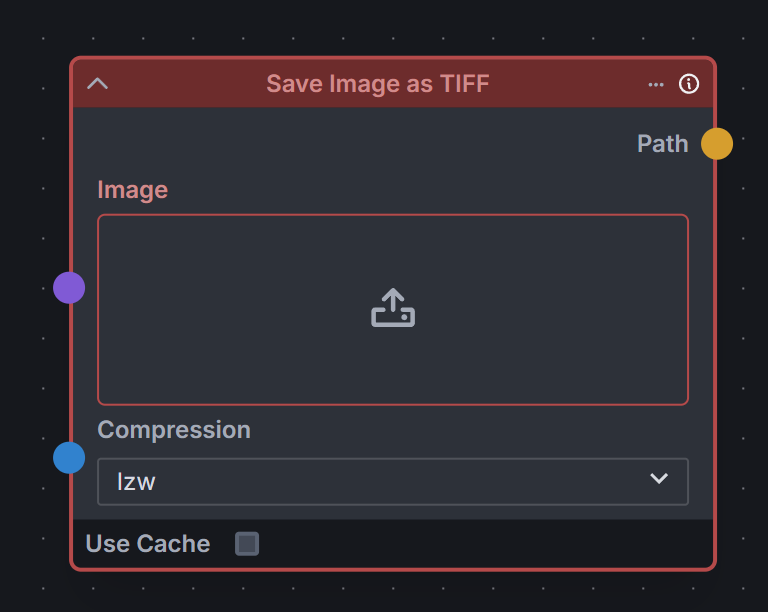
- Save Image as TIFF
- Save Image as WebP
Examples
Image Picker
Pick one image at random from a collection.
Details: Image Picker
Useful when you have several poses to choose from for a ControlNet node, or several input images for another purpose.
Git URL:https://github.com/JPPhoto/image-picker-node.git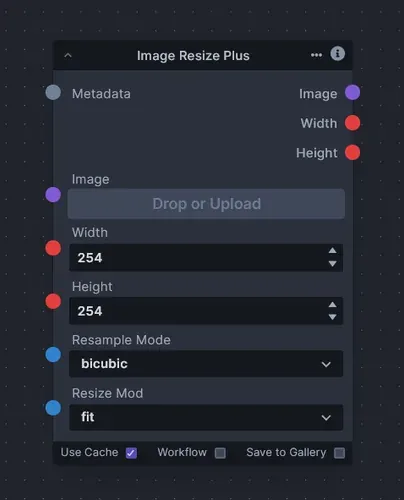
Image Resize Plus
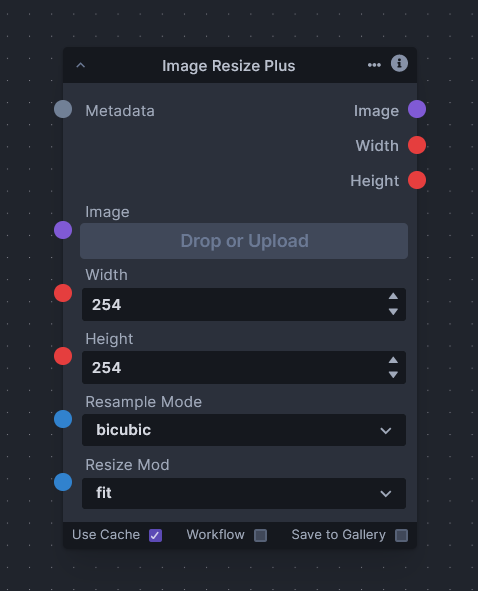
Resize images to fill, stretch, fit, center or crop.
Details: Image Resize Plus
Git URL:https://github.com/VeyDlin/image-resize-plus-node.gitExamples
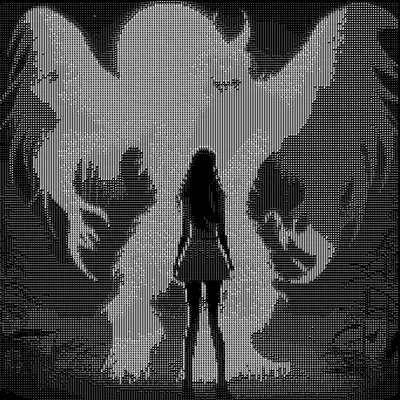
Image to Character Art Image Nodes
Convert an image into ASCII or Unicode character art.
Details: Image to Character Art Image Nodes
Git URL:https://github.com/mickr777/imagetoasciiimage.gitExamples
Latent Upscale
Upscale SD 1.5 and SDXL latents with a small model instead of interpolation.
Details: Latent Upscale
The model is about 2.4 MB. Upscaling with it avoids the usual downsides of the latent upscale technique.
Git URL:https://github.com/gogurtenjoyer/latent-upscale.git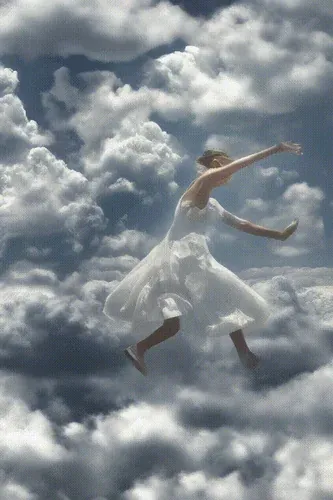
Load Video Frame
Load and index video frames and make videos, for animation with iterators and ControlNet.
Details: Load Video Frame
A video frame image provider, an indexer and video creation nodes, for hooking up to iterators, ranges, ControlNets and so on. Think animation and ControlNet outputs.
Git URL:https://github.com/helix4u/load_video_frame.gitExamples
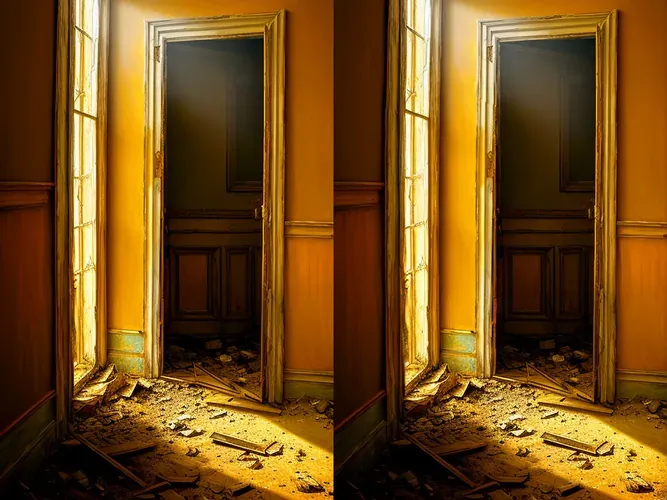
Make 3D
Create 3D stereo images from 2D originals.
Details: Make 3D
Not a pack folder, so the Nodes manager can't install it. InvokeAI loads a folder in
nodesonly when it has an__init__.py: follow the repository's instructions.Links
Examples
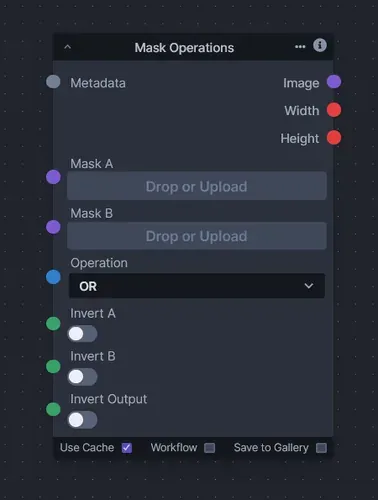
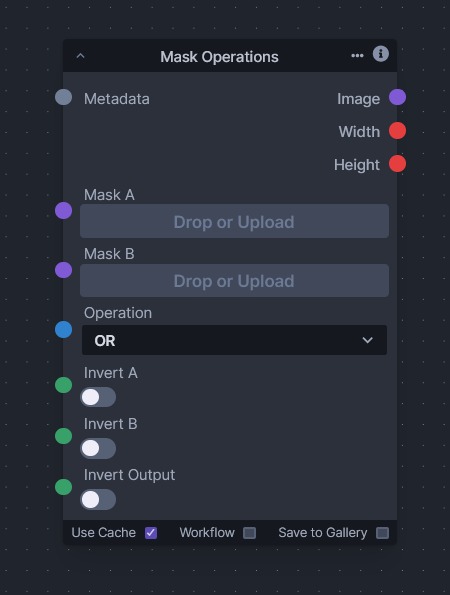
Mask Operations
Combine masks with the logical operations OR, SUB and AND.
Details: Mask Operations
Git URL:https://github.com/VeyDlin/mask-operations-node.gitExamples
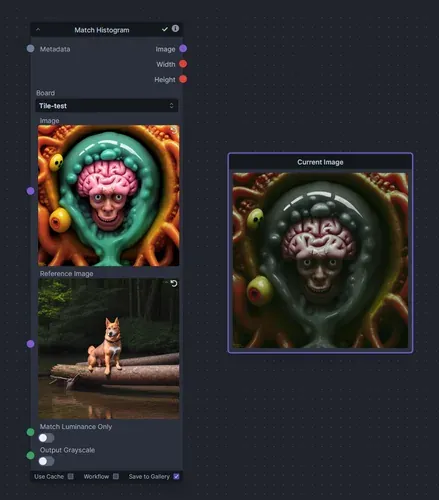
Match Histogram
Match the histogram of one image to another's.
Details: Match Histogram
Like the core
Color Correctnode, but it works in the YCbCr color space, handles images of different sizes and needs no mask. It can transfer only the luminance channel, and save the output as grayscale. A good use is normalizing the colors of an image that went through the tiled upscaling workflow of the XYGrid nodes.Git URL:https://github.com/skunkworxdark/match_histogram.gitExamples
Metadata Linked Nodes
Collect metadata inside an Iterate node, and extract metadata from an image.
Details: Metadata Linked Nodes
Git URL:https://github.com/skunkworxdark/metadata-linked-nodes.gitNodes
- Metadata Item Linked: Collects metadata inside an iterate node, with no collect node or conversion to a metadata node.
- Metadata From Image: Provides the metadata of an image.
- Metadata To String: Extracts a string value of a label from metadata.
- Metadata To Integer: Extracts an integer value of a label from metadata.
- Metadata To Float: Extracts a float value of a label from metadata.
- Metadata To Scheduler: Extracts a scheduler value of a label from metadata.
- Metadata To Bool: Extracts bool values from metadata.
- Metadata To Model: Extracts model types from metadata.
- Metadata To SDXL Model: Extracts SDXL model types from metadata.
- Metadata To LoRAs: Extracts LoRAs from metadata.
- Metadata To SDXL LoRAs: Extracts SDXL LoRAs from metadata.
- Metadata To ControlNets: Extracts ControlNets from metadata.
- Metadata To IP-Adapters: Extracts IP-Adapters from metadata.
- Metadata To T2I-Adapters: Extracts T2I-Adapters from metadata.
- Denoise Latents + Metadata: The core
Denoise Latentsnode with a metadata input and output.
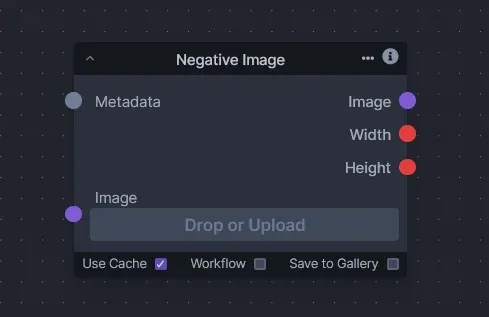
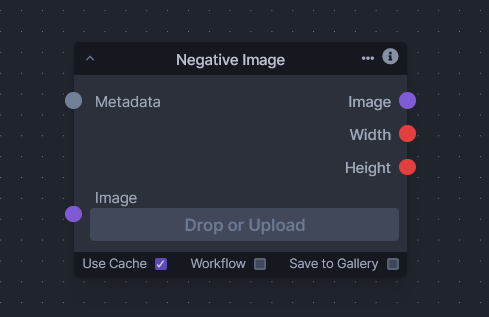
Negative Image
Invert an image into its negative, for visual effects and mask inversion.
Details: Negative Image
Git URL:https://github.com/VeyDlin/negative-image-node.gitExamples
Nightmare Promptgen
Generate imaginative, usually nightmarish, prompts with a local text generation model.
Details: Nightmare Promptgen
By default it offers GPT-Neo models the author fine-tuned on more than 2,500 of their own InvokeAI prompts in Compel format, and you can add your own. Troublesome words can be replaced with a random choice from a list you define.
Git URL:https://github.com/gogurtenjoyer/nightmare-promptgen.git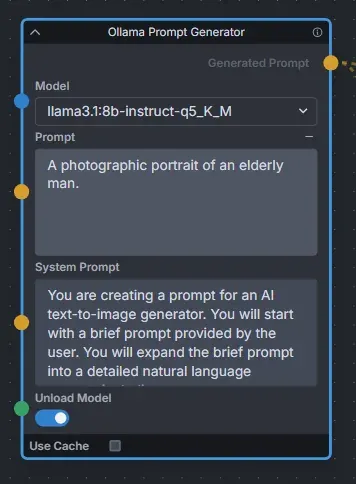
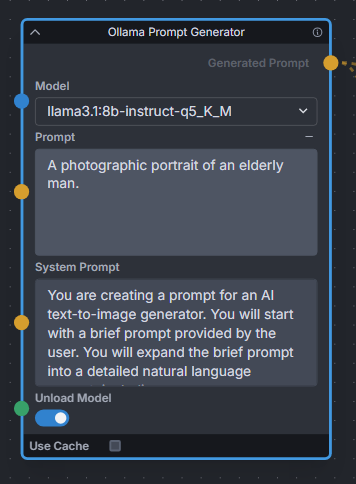
Ollama Node
Expand short prompts into detailed natural-language prompts with a local LLM through Ollama.
Details: Ollama Node
Works well for expanding basic prompts into detailed prompts for FLUX. A toggle unloads the LLM right after expanding, to free VRAM for the rest of the generation.
Git URL:https://github.com/Jonseed/Ollama-Node.gitLinks
Examples
One Button Prompt
An extensive suite of automatic prompt generation and prompt helper nodes.
Details: One Button Prompt
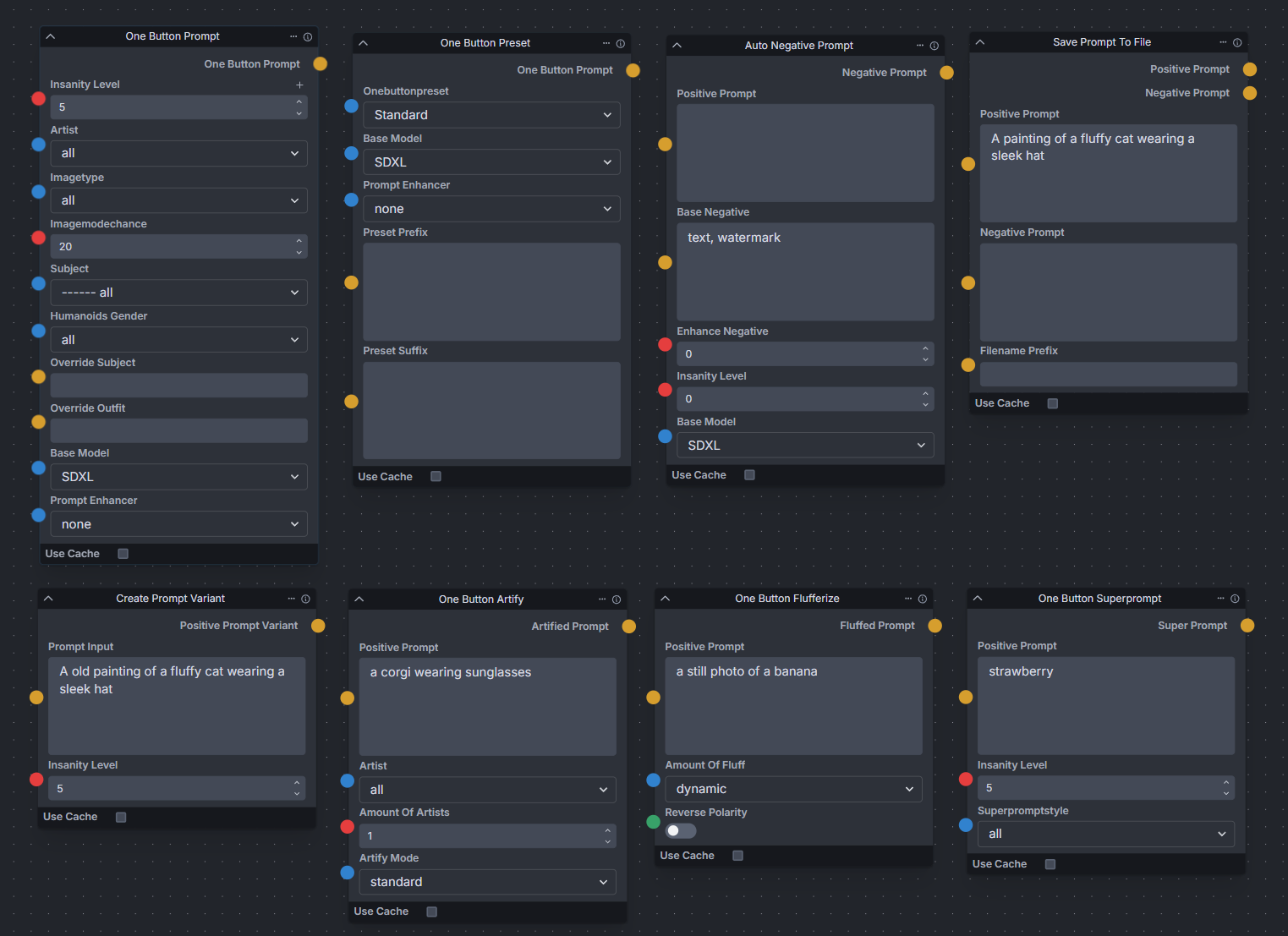
The main node generates prompts from a set of parameters. Other nodes include Auto Negative Prompt, One Button Artify and Create Prompt Variant.
Git URL:https://github.com/AIrjen/OneButtonPrompt_X_InvokeAI.gitExamples
![One Button Prompt banner]()
![The One Button Prompt nodes in the workflow editor]()
The nodes
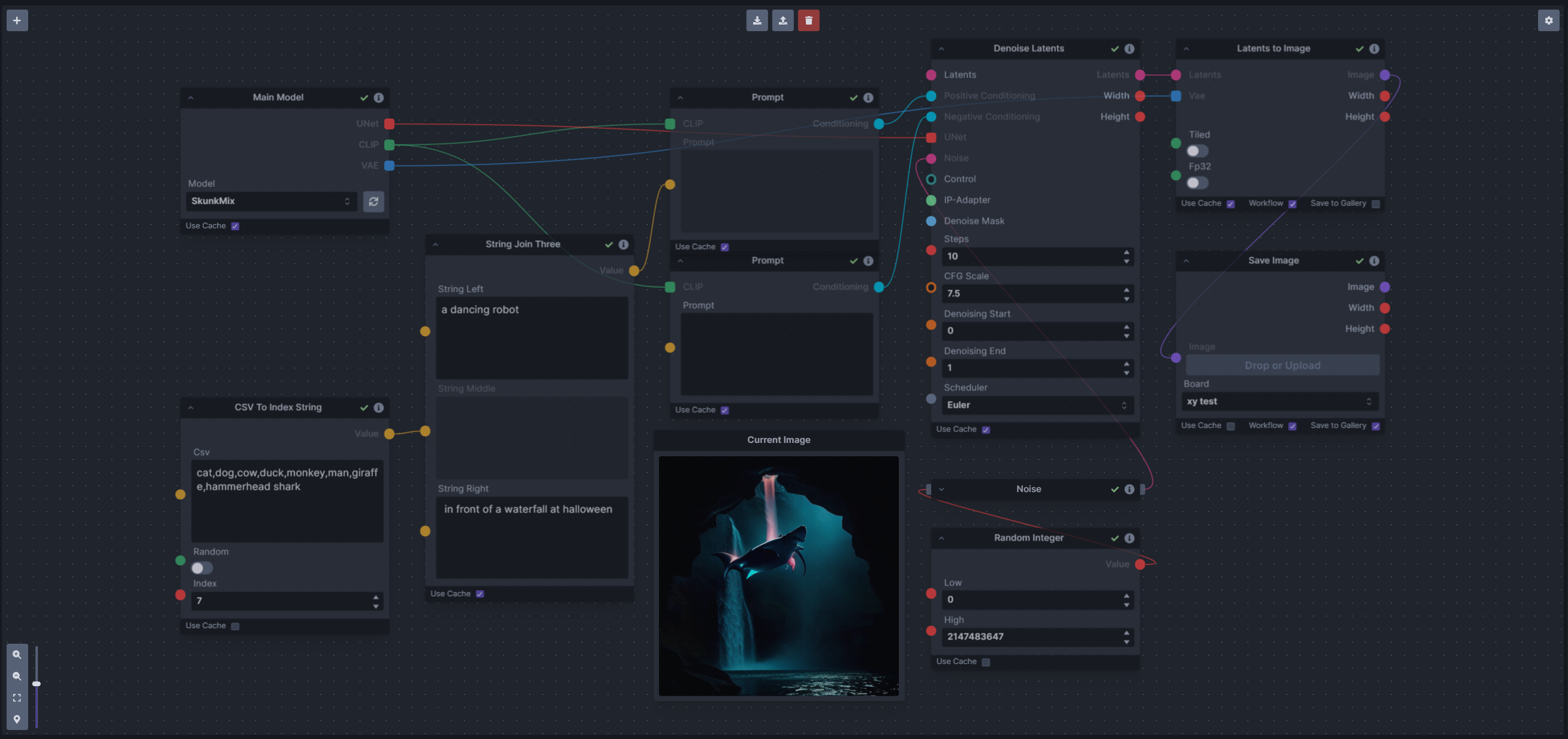
Prompt Tools
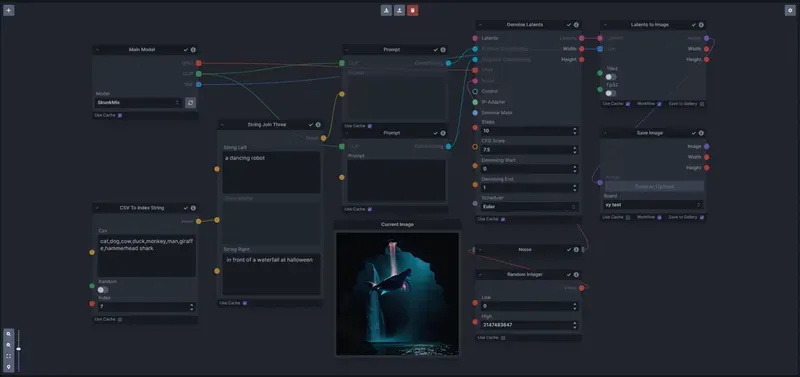
Prompt (string) manipulation tools, to use with Prompts From File and other prompt generators.
Details: Prompt Tools
Prompt Join, Prompt Join Three, Prompt Replace and Prompt Split Neg moved into InvokeAI as
String Join,String Join Three,String ReplaceandString Split Neg, and are no longer in this pack.Git URL:https://github.com/skunkworxdark/prompt-tools.gitNodes
- Prompt To File: Saves a prompt or collection of prompts to a file, one per line, appending or overwriting.
- PTFields Collect: Converts image generation fields into a JSON string that can be passed to Prompt To File.
- PTFields Expand: Converts a JSON string into individual generation parameters. Can be fed from Prompt To File.
- Prompt Strength: Formats a prompt with a strength, like Compel's weighted format.
- Prompt Strength Combine: Combines weighted prompts for
.and()and.blend(). - CSV To Index String: Gets a string from a CSV by index, with a random index option.
Examples
Remote Image
Load images from, and post images to, websites and local servers.
Details: Remote Image
Git URL:https://github.com/fieldOfView/InvokeAI-remote_image.gitNodes
- Load Remote Image: Loads remote images, such as a live webcam image, an image of the day, or dynamically created images.
- Post Image to Remote Server: Uploads an image to a remote server with an HTTP POST request, for storage, display or further processing.
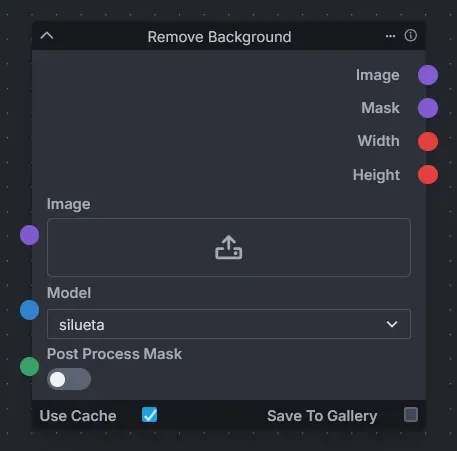
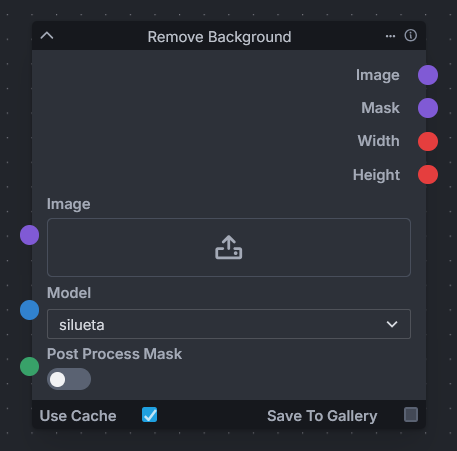
Remove Background
Remove image backgrounds with the rembg package and several U2NET models.
Details: Remove Background
Git URL:https://github.com/VeyDlin/remove-background-node.gitExamples
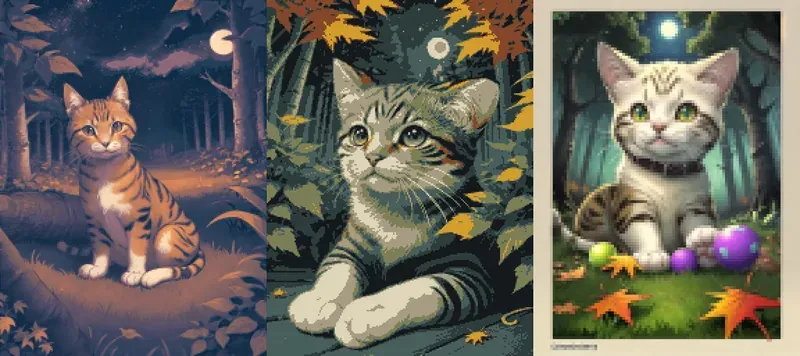
Retroize
Pixelize, quantize, palettize and dither images for a retro look.
Details: Retroize
Works on any image, from your gallery or from within the graph. Can also extract palettes from existing images.
Git URL:https://github.com/Ar7ific1al/invokeai-retroizeinode.gitExamples
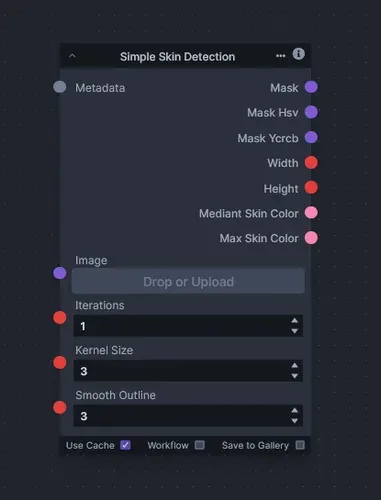
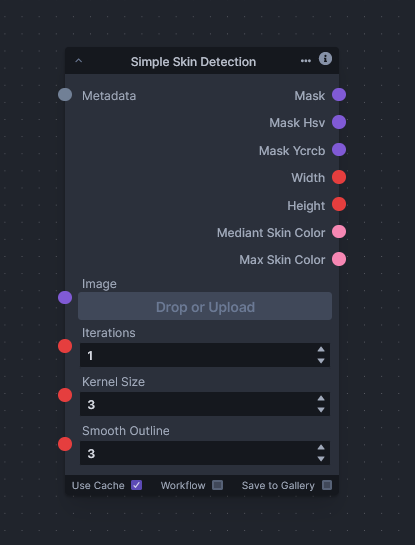
Simple Skin Detection
Detect skin in images from predefined color thresholds.
Details: Simple Skin Detection
Git URL:https://github.com/VeyDlin/simple-skin-detection-node.gitExamples
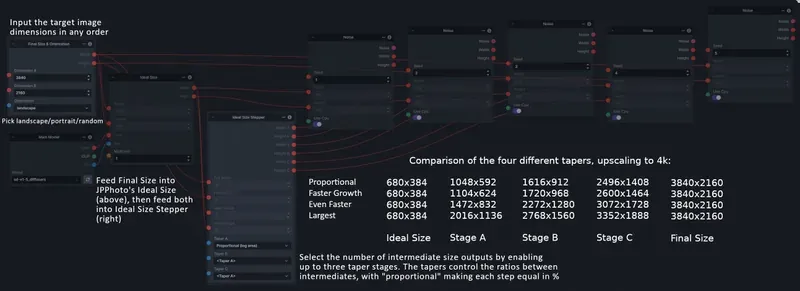
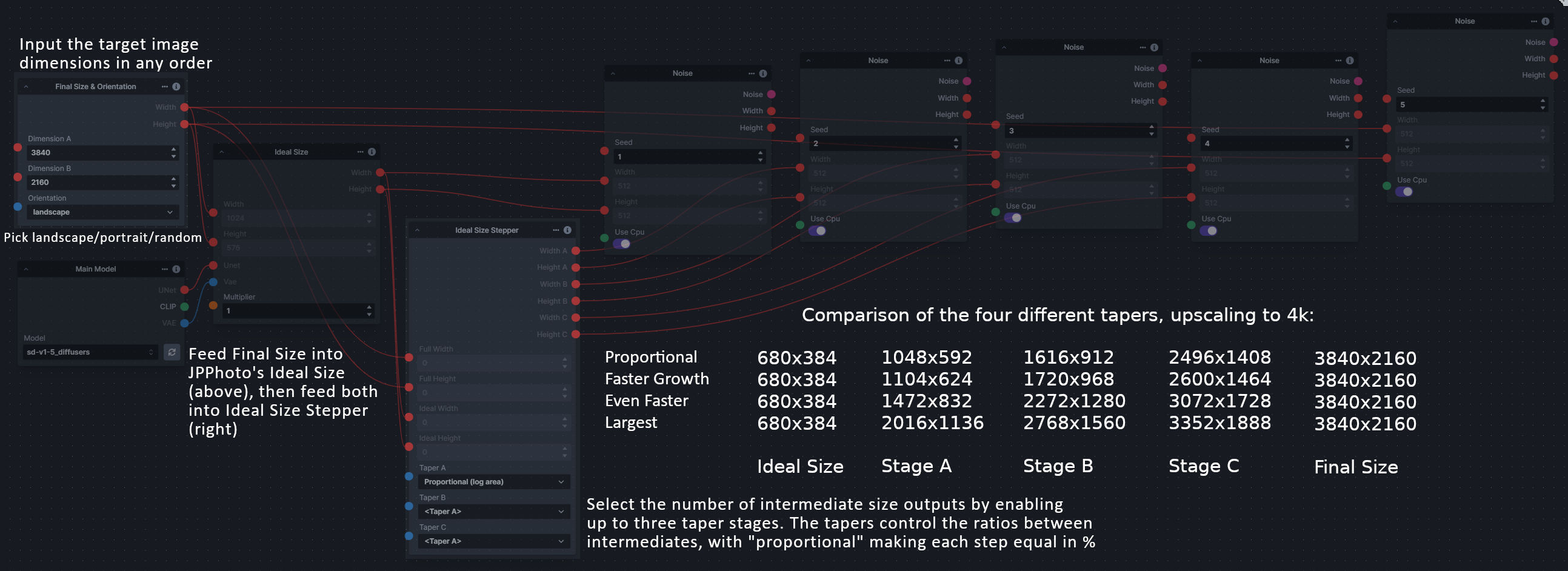
Size Stepper Nodes
Calculate the intermediate sizes for multi-step upscaling workflows.
Details: Size Stepper Nodes
Enter your full size and orientation (portrait, landscape or random) in Final Size & Orientation, then plug it and your initial generation size into Ideal Size Stepper to get one, two or three intermediate sizes for upscaling. The outputs are only the intermediate sizes, not the initial or full size.
Git URL:https://github.com/dwringer/size-stepper-nodes.gitNodes
- Final Size & Orientation: Your full size dimensions and orientation.
- Ideal Size Stepper: One, two or three intermediate pairs of dimensions between the initial and full size.
- Random Switch (Integers): A generic version of Final Size & Orientation without the orientation choice.
Examples
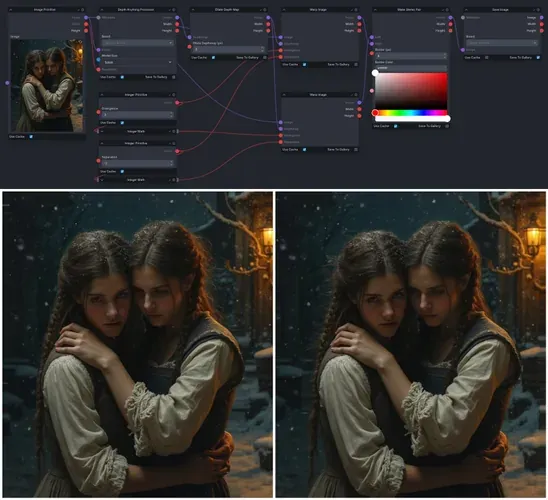
Stereogram Nodes
Create cross-view or parallel-view stereograms.
Details: Stereogram Nodes
Stereograms are 2D images that reveal a 3D scene when viewed properly.
Git URL:https://github.com/simonfuhrmann/invokeai-stereo.gitLinks
Examples
Text font to Image
Render text in a chosen font as an image.
Details: Text font to Image
Downloads the font to use, or takes it from the font cache. The text always resizes to the image size; padding controls the margin, and there is an optional second line. The author's examples use the output with a depth ControlNet.
Git URL:https://github.com/mickr777/textfontimage.git
Thresholding
Masks for the highlights, midtones and shadows of an image.
Details: Thresholding
You can blur the lookup table used to make the masks from the source image.
Git URL:https://github.com/JPPhoto/thresholding-node.gitExamples
Input Highlights Midtones Shadows Highlights, LUT blur on Midtones, LUT blur on Shadows, LUT blur on
Unsharp Mask
Sharpen an image with an unsharp mask filter, keeping its alpha channel.
Details: Unsharp Mask
Git URL:https://github.com/JPPhoto/unsharp-mask-node.git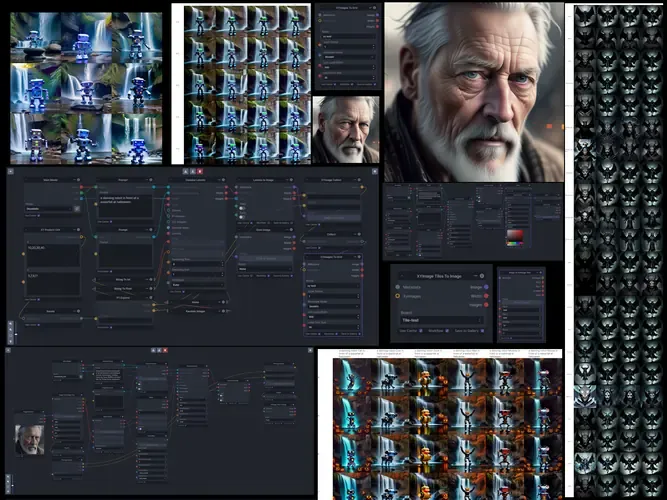
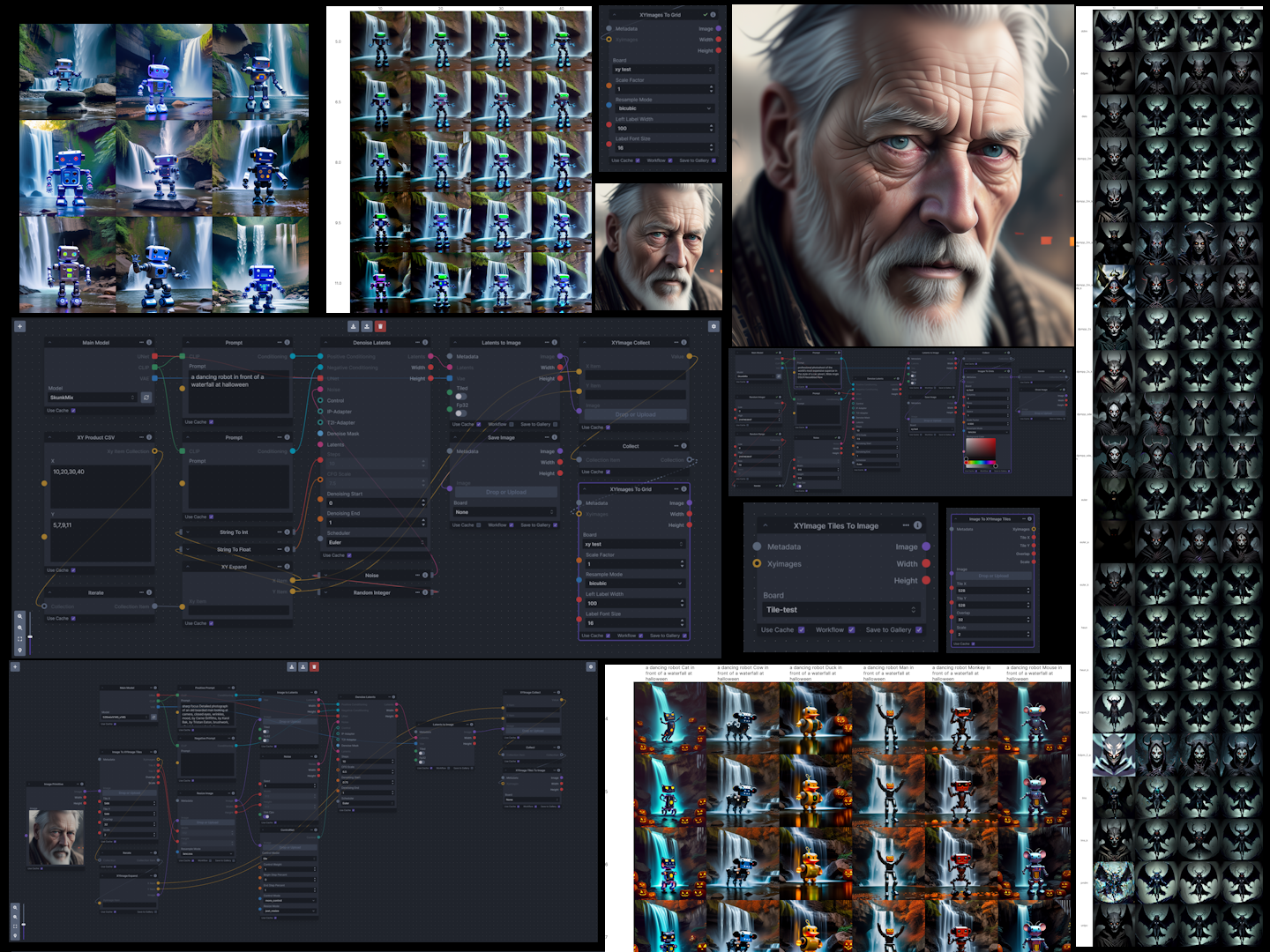
XY Image to Grid and Images to Grids
Image grids, labeled XY parameter grids, and tiled upscaling with seamless recombining.
Details: XY Image to Grid and Images to Grids
Makes grids of images from several inputs, labeled XY grids from parameters, and overlapping tiles for super-resolution workflows, which it recombines into one image, blending the seams.
Git URL:https://github.com/skunkworxdark/XYGrid_nodes.gitNodes
- Images To Grids: Combines multiple images into a grid of images.
- XYImages To Grids: Takes X and Y parameters and creates a labeled image grid.
- XYImage Tiles: Super-resolution (embiggen) style tiled resizing.
- Image To XYImages: Cuts an image into a number of columns and rows.
- Supporting nodes: Helpers for data wrangling and building
XYImagecollections.
Examples
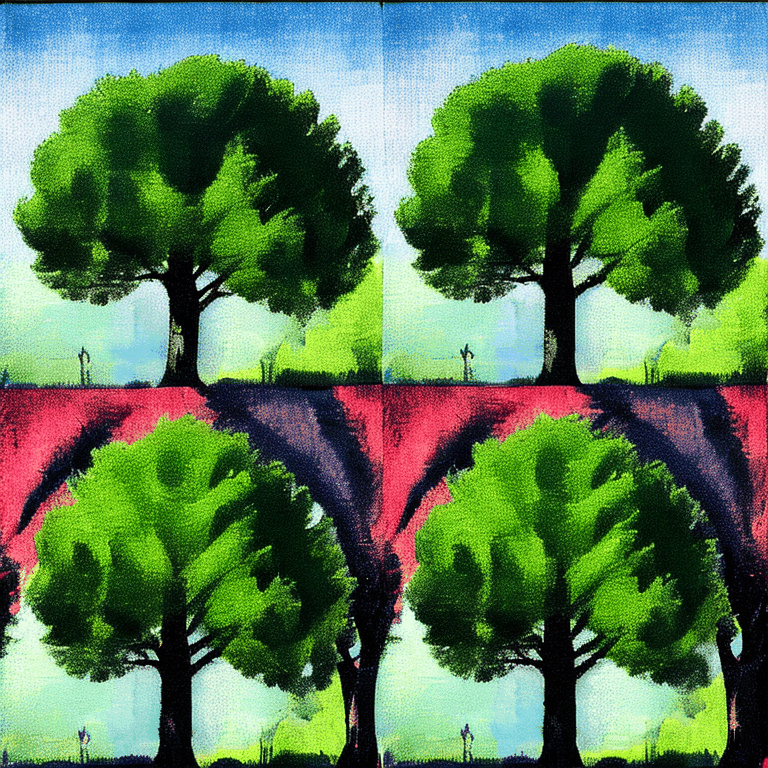
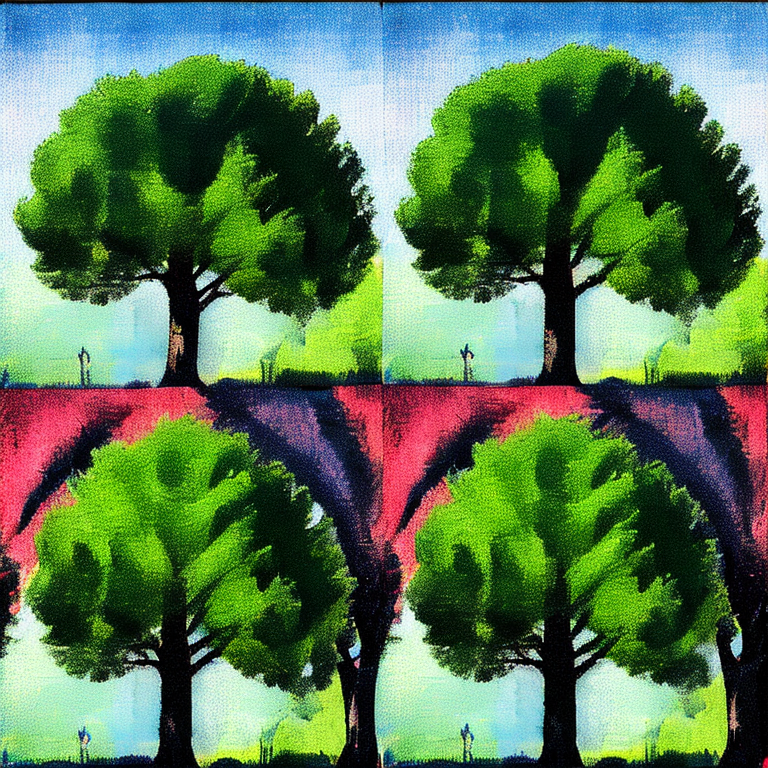


No node packs match. Try other words or another category.
Add your node pack
Section titled “Add your node pack”Each pack on this page is one YAML file in
docs/src/content/community-nodes/.
To list yours, add a file there in a pull request; the
README in that folder
lists the fields. Creating Nodes explains how to build a pack.
For help with a pack, ask in the InvokeAI Discord.