AI image generation for creatives
Windows · macOS · Linux · Apache 2.0
Canvas
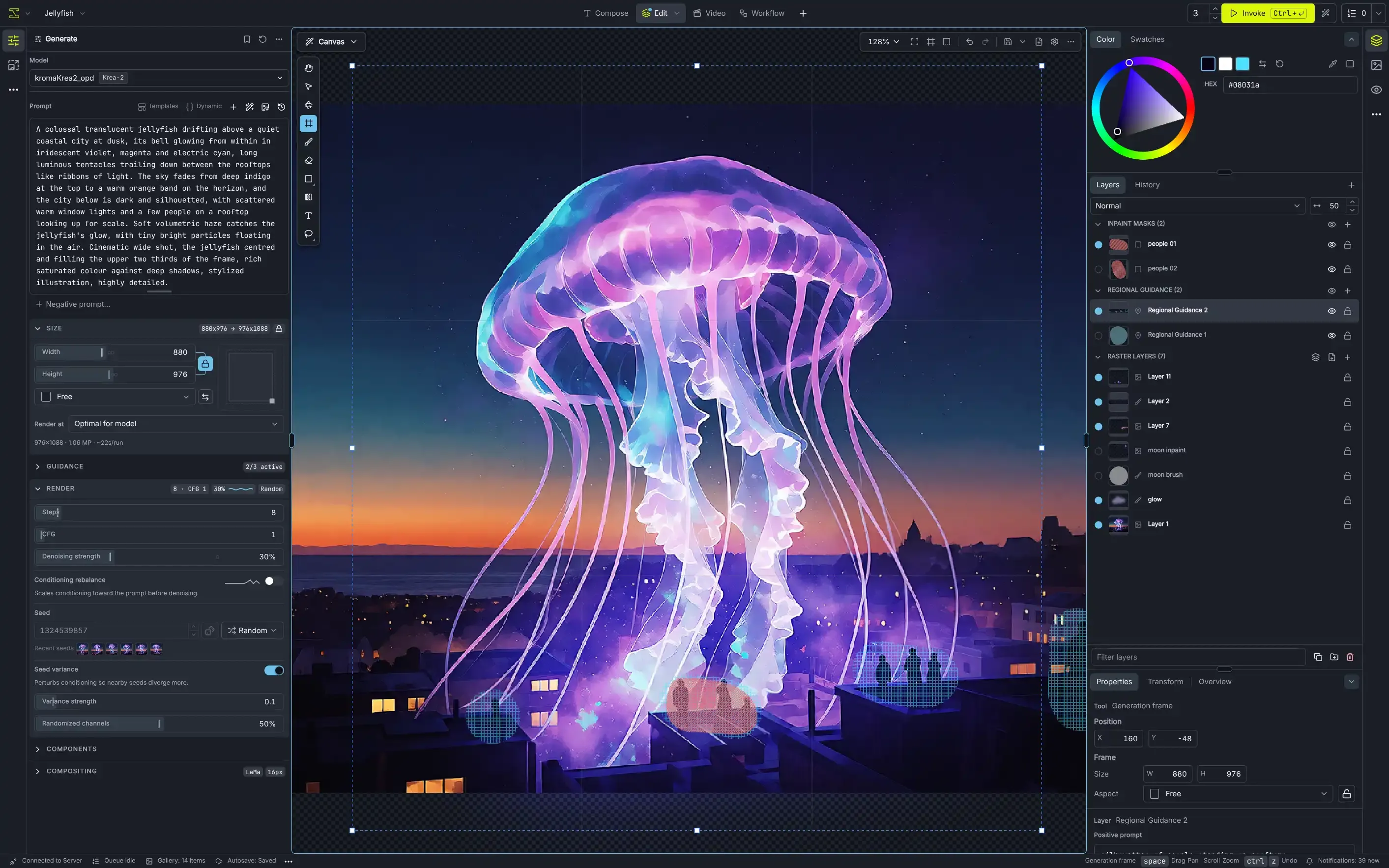
Paint exactly where it matters
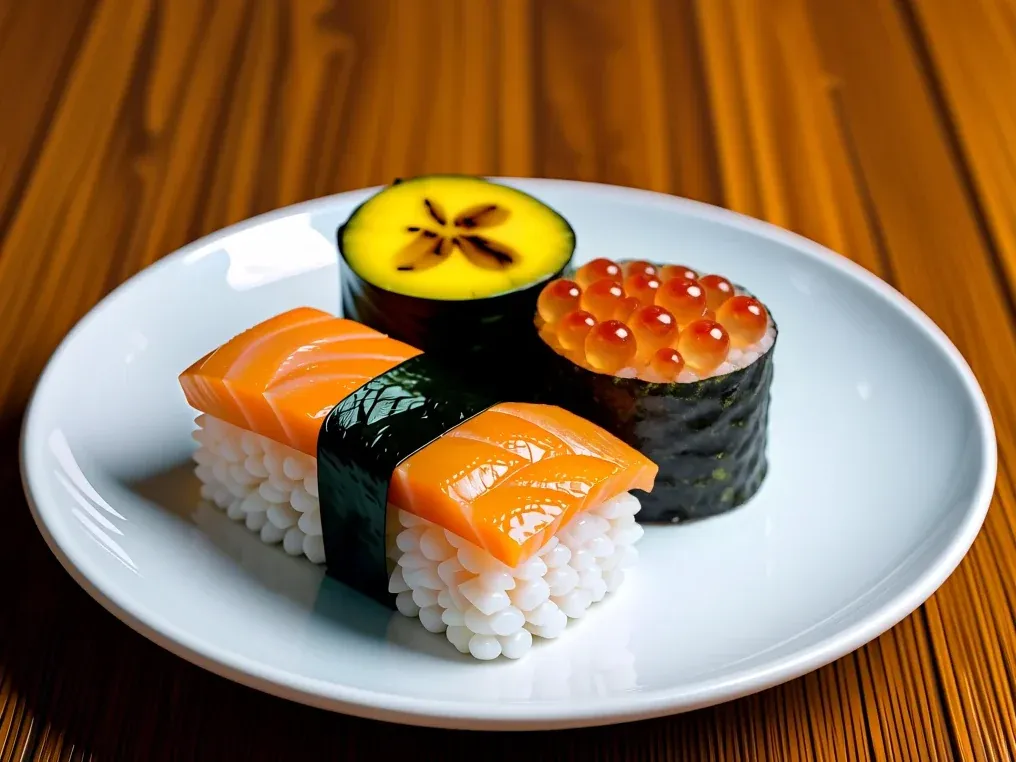
Mask an area, describe what belongs there and accept the result to a layer. Inpainting, outpainting, regional prompts and control layers all work on one canvas.
Canvas introduction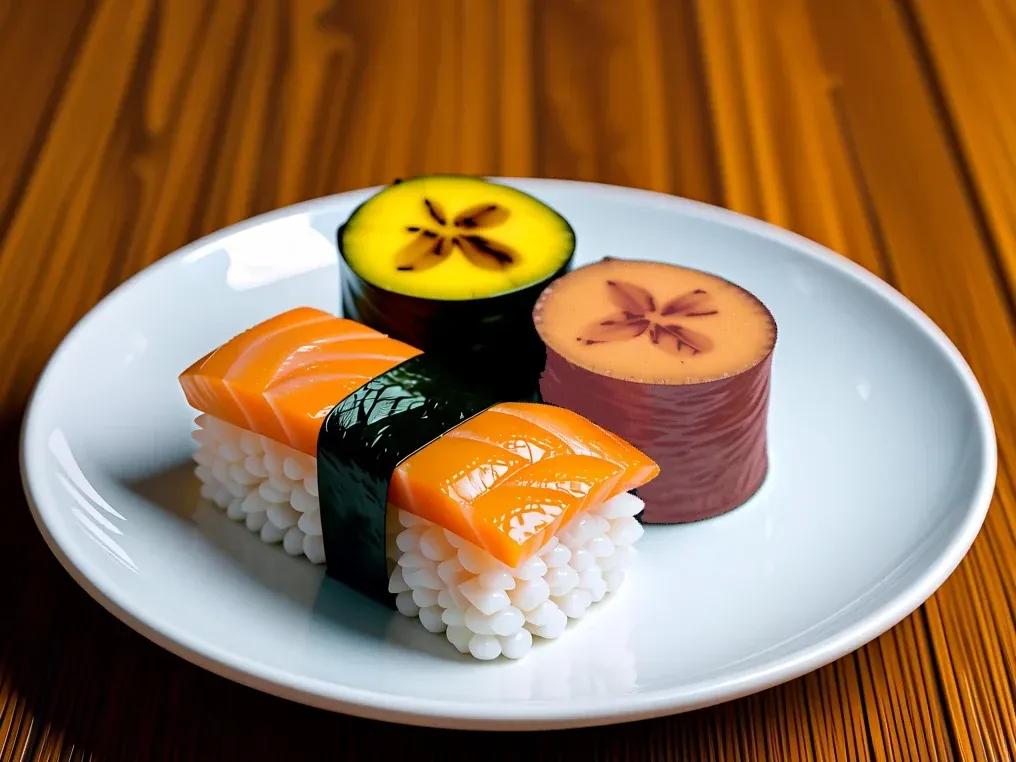
Workflows
Wire up your own pipeline
Chain steps into a node graph and run it from a simple form. Add community node packs with the Custom Node Manager, or follow the ComfyUI migration guide to the nodes you already know.
Workflows guide 704×640
Drag a node by its title, or focus it and use the arrow keys to move it. Drag from an output dot to a matching input to connect them.
Gallery
Every image, easy to find
Boards and stars keep your images and videos in order. Each project collects its results in an Inbox and boards of its own, and Library boards are there from every project. Search by prompt or, with image indexing turned on, by what an image shows.
Gallery guideNo boards match this search.
Community
Made with Invoke
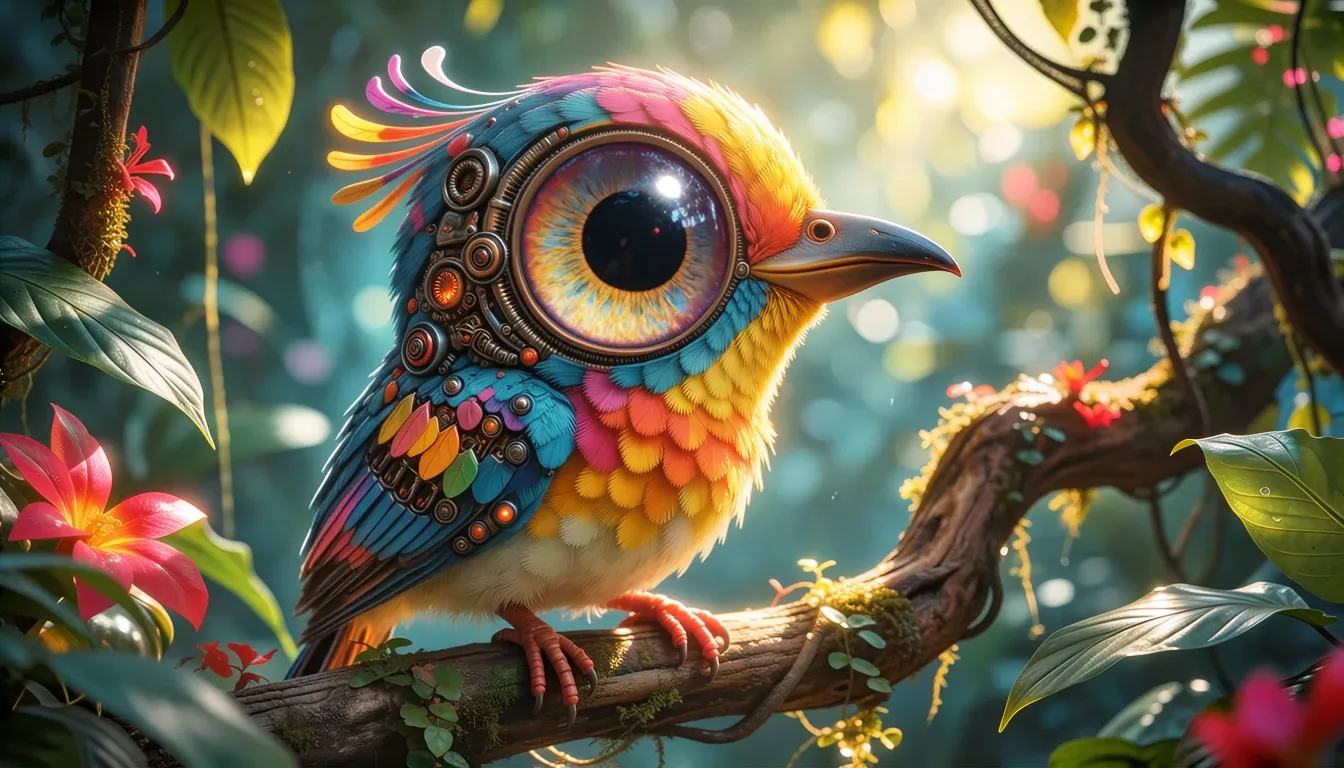 1st placeSubsector13
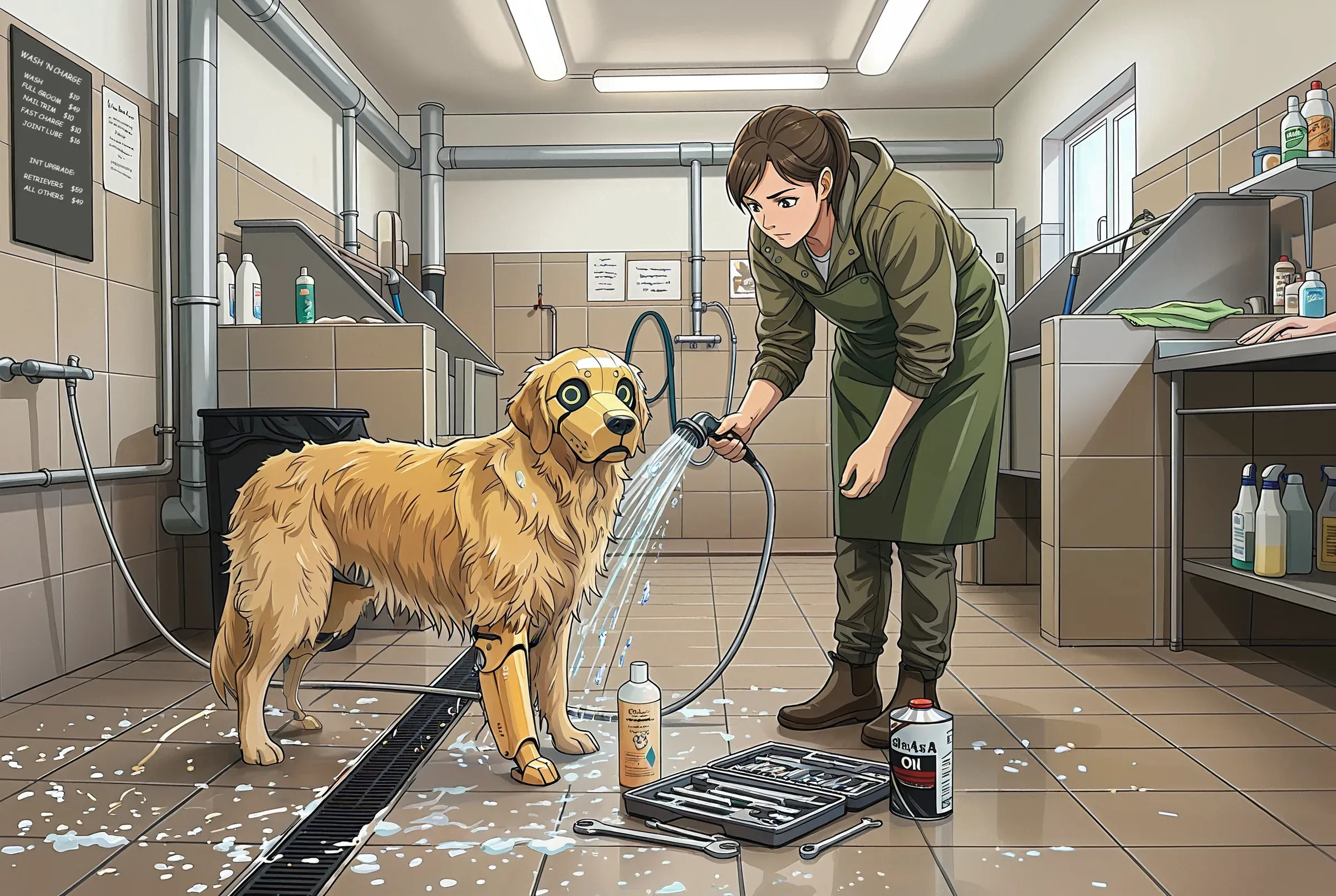 Runner-upLontraStella
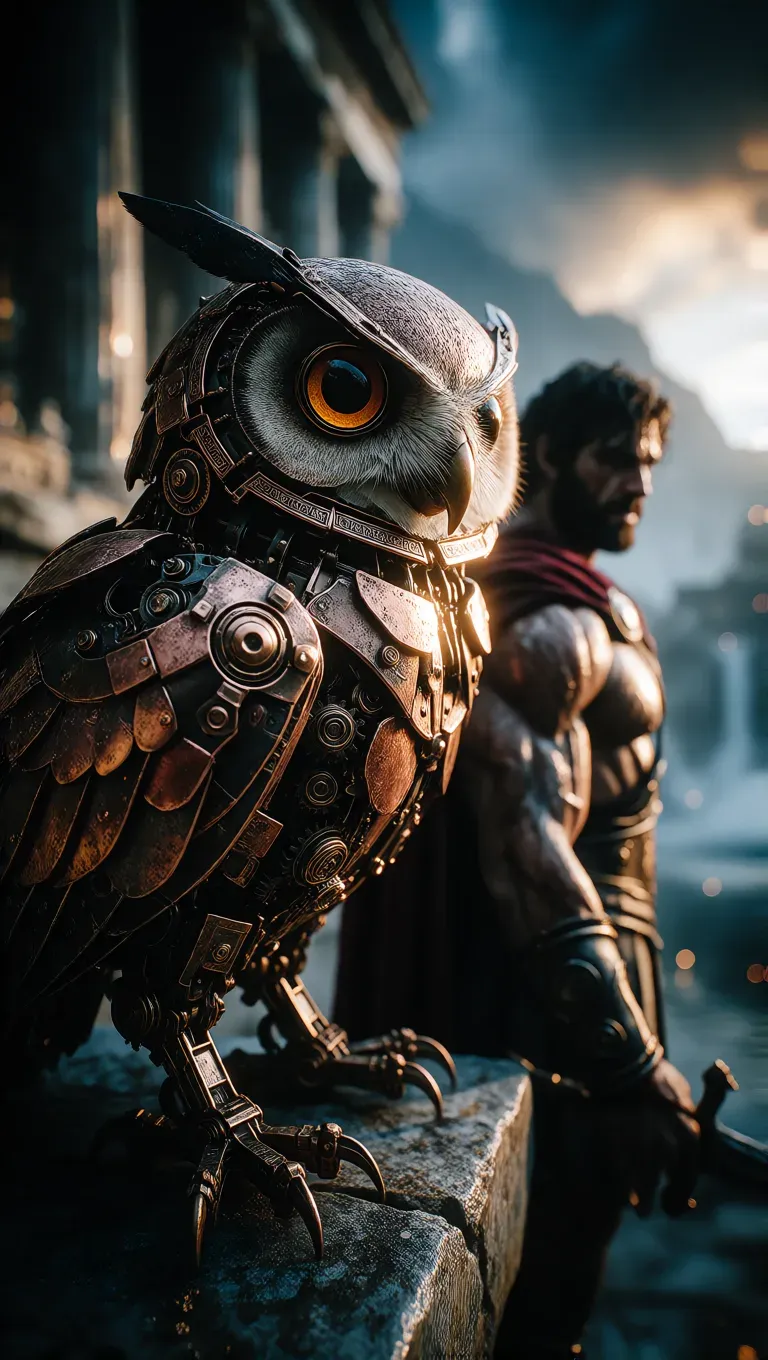 Runner-upLoveless
What's new in 7
One workbench for every way you create
The workbench
One window built from panels. Arrange them on the rails, float the Preview over your canvas, and switch between saved layout presets in one click.
Projects
A project keeps its canvas, workflows, layout and boards together. It saves automatically and exports as one .invk file.
A new canvas
Pressure-sensitive brushes, gradients, shapes and text on layers with 16 blend modes, beside inpainting, regional guidance and control layers. Exports to PSD.
Video with soundExperimental
Short clips from Wan 2.2, or with a synchronized stereo soundtrack from LTX-2 and MiniMax H3.
The Image Map
Every image and video laid out by visual similarity, in labelled clusters. It also lets you search the gallery by what an image shows.
Loops in workflows
For and ForReturn nodes repeat a group of steps for each item in a collection, and can carry values from one iteration to the next.

Models
The latest open models, on your own hardware
Each model family has a guide to its variants, hardware needs and settings. External providers add hosted models such as GPT Image and Gemini, billed to your own account.
- FLUX.2Multi-reference image editing
- FLUX.3Edit from up to ten reference images
- FLUX.1Generate and edit, with Fill and ControlNets
- Z-ImageFast text-to-image in English and Chinese
- Qwen-Image-2.1Strong text rendering, transparent output
- Qwen ImageEdit with reference images
- Krea-2Text-to-image with style reference
- Ideogram 4Structured prompts with placed regions
- ERNIE-ImageText-to-image with a prompt enhancer
- CogView4Plain text-to-image from THUDM
- AnimaAnime, with regional prompting
- SD 3.5Stability AI's diffusion transformer
- SDXL1024px generation with ControlNet and Refiner
- SD 1.5 / 2.xThe lightest local image model
- Wan 2.2VideoText- and image-to-video
- LTX-2VideoText-to-video with sound
- MiniMax H3VideoVideo with sound from reference media
External providers, billed to your own account
Documentation
Find your way in
Create
Make images and video
Run
Configure and deploy
Community
Built in the open
Invoke is free software under the Apache 2.0 license, made by contributors around the world. The hosted Invoke.ai platform has shut down since its founding team joined Adobe. The open-source project carries on, stewarded by long-time core maintainers Lincoln Stein (lstein) and Vic (Blessedcoolant).
Install with the Invoke Launcher
The Launcher installs, updates and launches Invoke on Windows, macOS and Linux. Check the system requirements first, or install manually or with Docker.