Writing Tests
Frontend Tests
Section titled “Frontend Tests”The default frontend is webv2, with unit and Chromium suites. Run commands from the repository root:
# Run the default frontend unit suite once.make frontend-testcd invokeai/frontend/webv2pnpm testpnpm test:browser# Complete milestone gates, including performance, project files, and accessibility.pnpm check:releaseInstall Chromium with pnpm exec playwright install chromium from invokeai/frontend/webv2 if needed. Read webv2/AGENTS.md for test ownership and browser verification rules.
The legacy frontend remains in invokeai/frontend/webv1. From that directory, run its separate suite with pnpm test:no-watch and its checks with pnpm lint.
Backend Tests
Section titled “Backend Tests”We use pytest to run the backend python tests. (See pyproject.toml for the default pytest options.)
Fast vs. Slow
Section titled “Fast vs. Slow”All tests are categorized as either ‘fast’ (no test annotation) or ‘slow’ (annotated with the @pytest.mark.slow decorator).
‘Fast’ tests are run to validate every PR, and are fast enough that they can be run routinely during development.
‘Slow’ tests are currently only run manually on an ad-hoc basis. In the future, they may be automated to run nightly. Most developers are only expected to run the ‘slow’ tests that directly relate to the feature(s) that they are working on.
As a rule of thumb, tests should be marked as ‘slow’ if there is a chance that they take >1s (e.g. on a CPU-only machine with slow internet connection). Common examples of slow tests are tests that depend on downloading a model, or running model inference.
Running Tests
Section titled “Running Tests”Below are some common test commands:
# Run the fast tests from the repository root using the Makefile shortcut.make test
# Run the fast tests. (This implicitly uses the configured default option: `-m "not slow"`.)pytest tests/
# Equivalent command to run the fast tests.pytest tests/ -m "not slow"
# Run the slow tests.pytest tests/ -m "slow"
# Run the slow tests from a specific file.pytest tests/path/to/slow_test.py -m "slow"
# Run all tests (fast and slow).pytest tests -m ""
Test Organization
Section titled “Test Organization”Most backend tests live in the tests/ directory. When adding a new backend test, prefer keeping it near the corresponding module area so related code and tests stay easy to find together.
Tests that depend on models
Section titled “Tests that depend on models”Tests do not download models routinely, and there is no shared helper that installs one. Prefer small CPU fixtures built in the test. A test that needs a real model must be marked slow (excluded by default and in CI) and must not download large models unless it is run on purpose. Keep the total number of models the slow tests need low, re-use models other tests already need, and comment why a new one is required.
Test Coverage
Section titled “Test Coverage”To review test coverage, append --cov and the report formats you want to your pytest command:
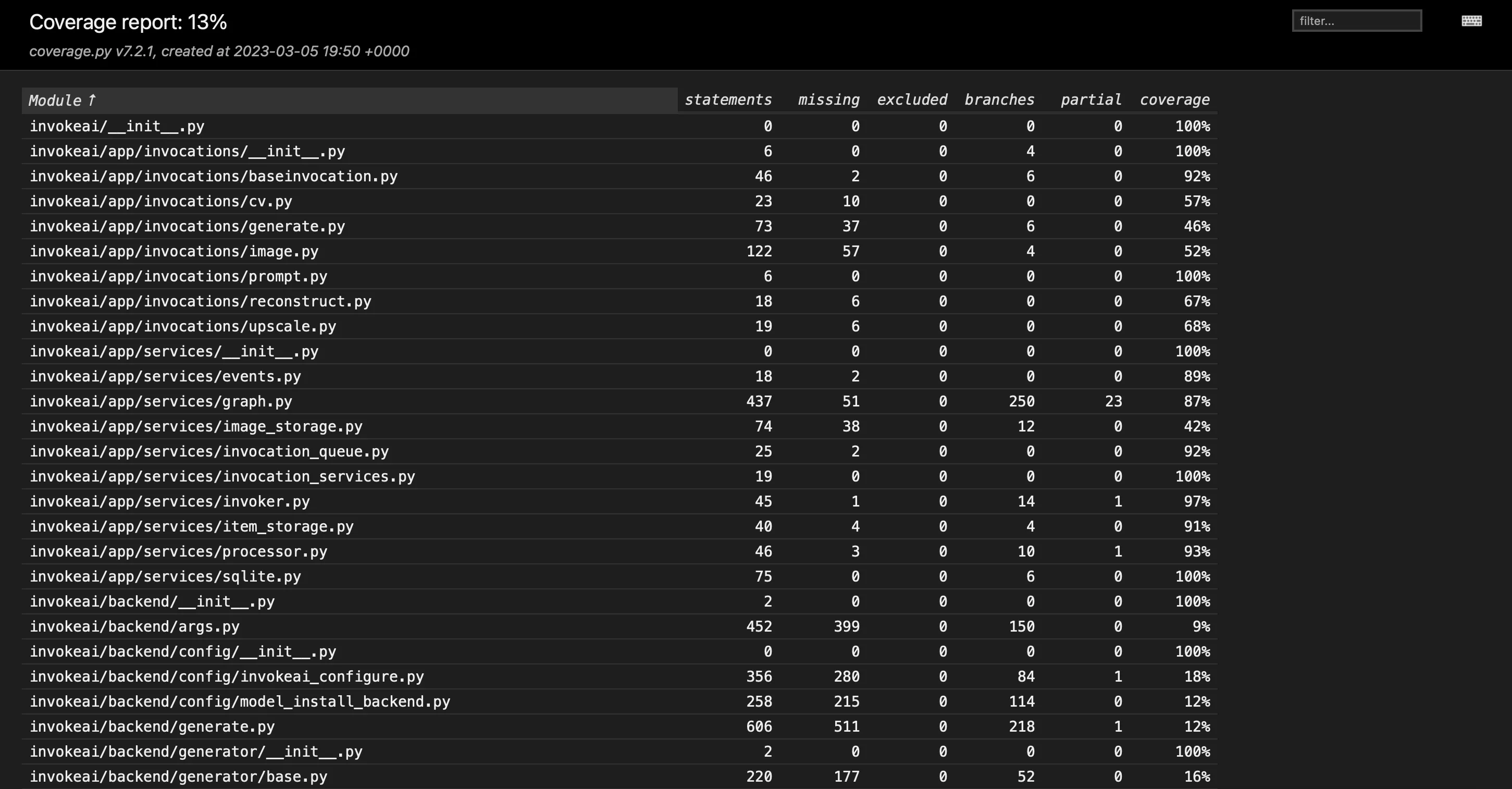
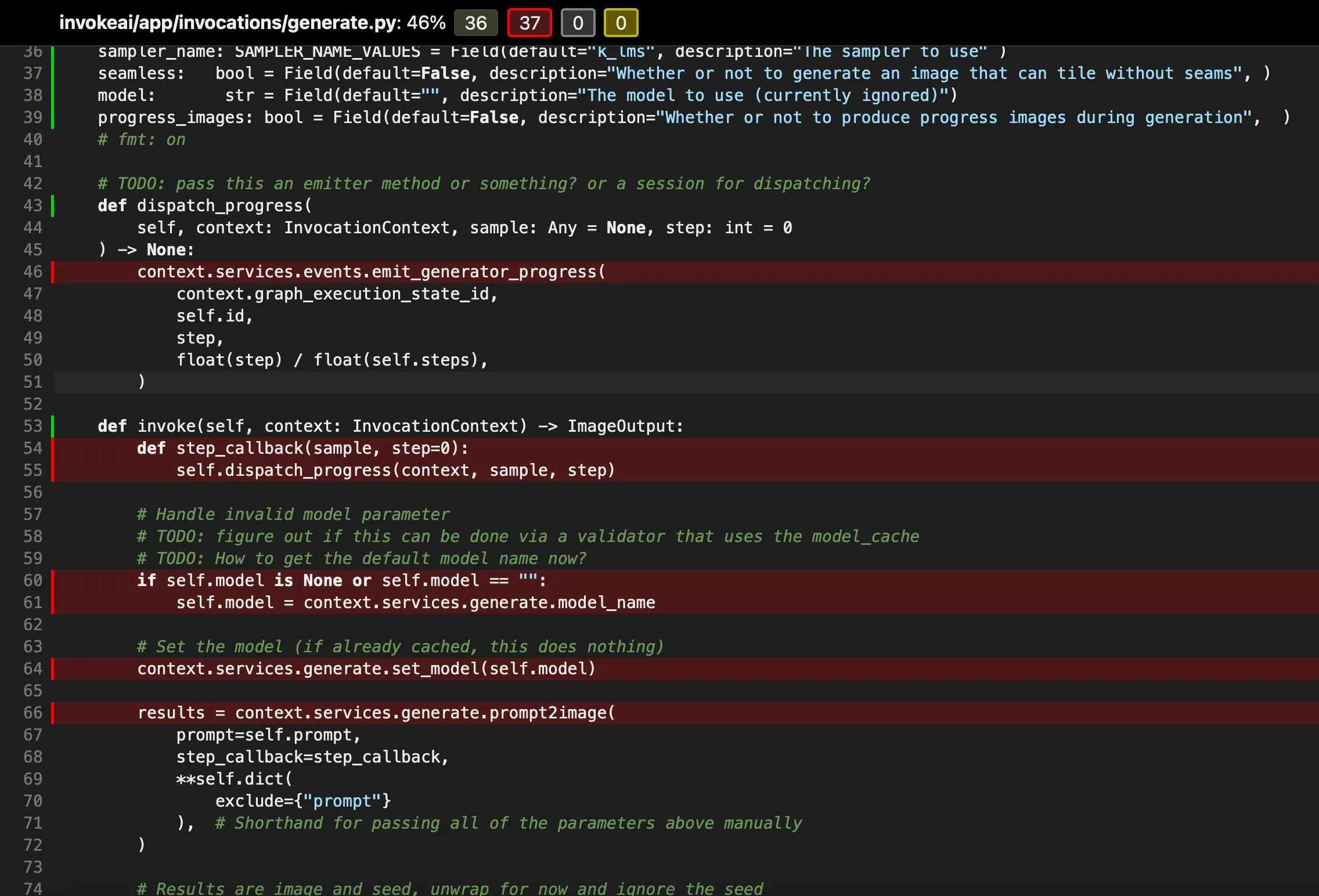
pytest tests/ --cov --cov-report=term --cov-report=html --cov-report=xmlTest outcomes and coverage will be reported in the terminal. In addition, a more detailed report is created in both XML and HTML format in the ./coverage folder. The HTML output is particularly helpful in identifying untested statements where coverage should be improved. The HTML report can be viewed by opening ./coverage/html/index.html.
:::note HTML coverage report output example
 :::